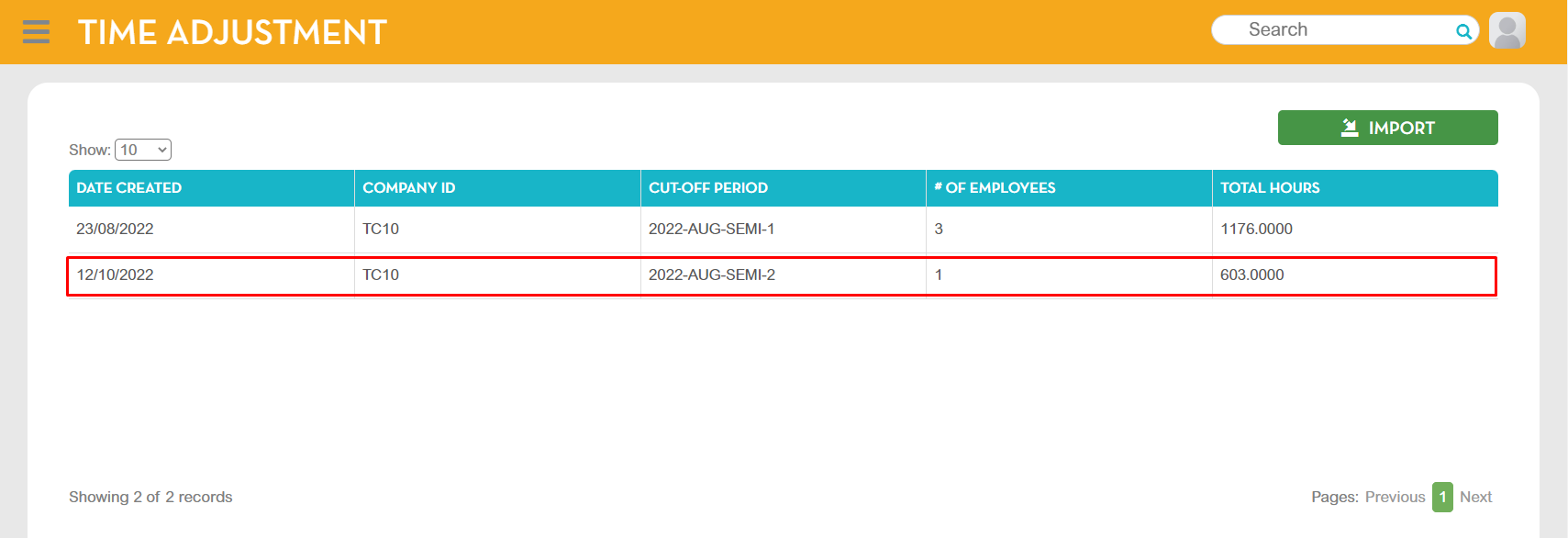
This module is used for adding time adjustments.
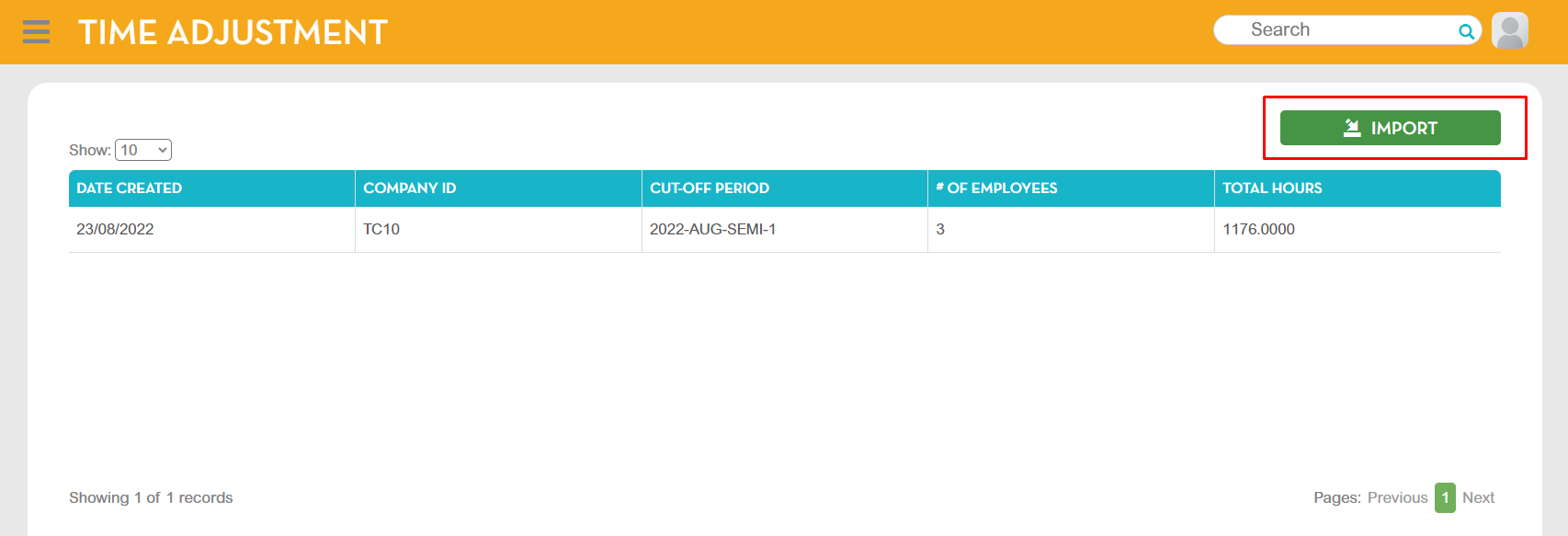
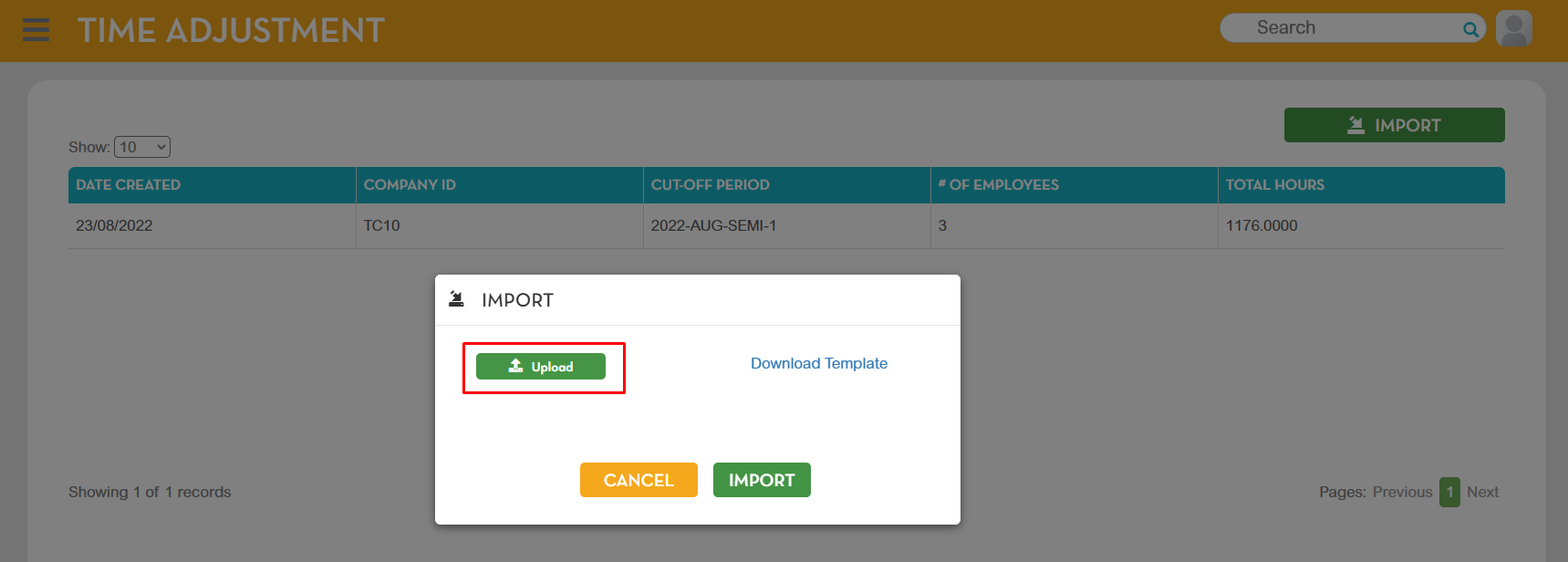
To import, go to Administration - Timekeeping Posting - Time Adjustment, click Import button.
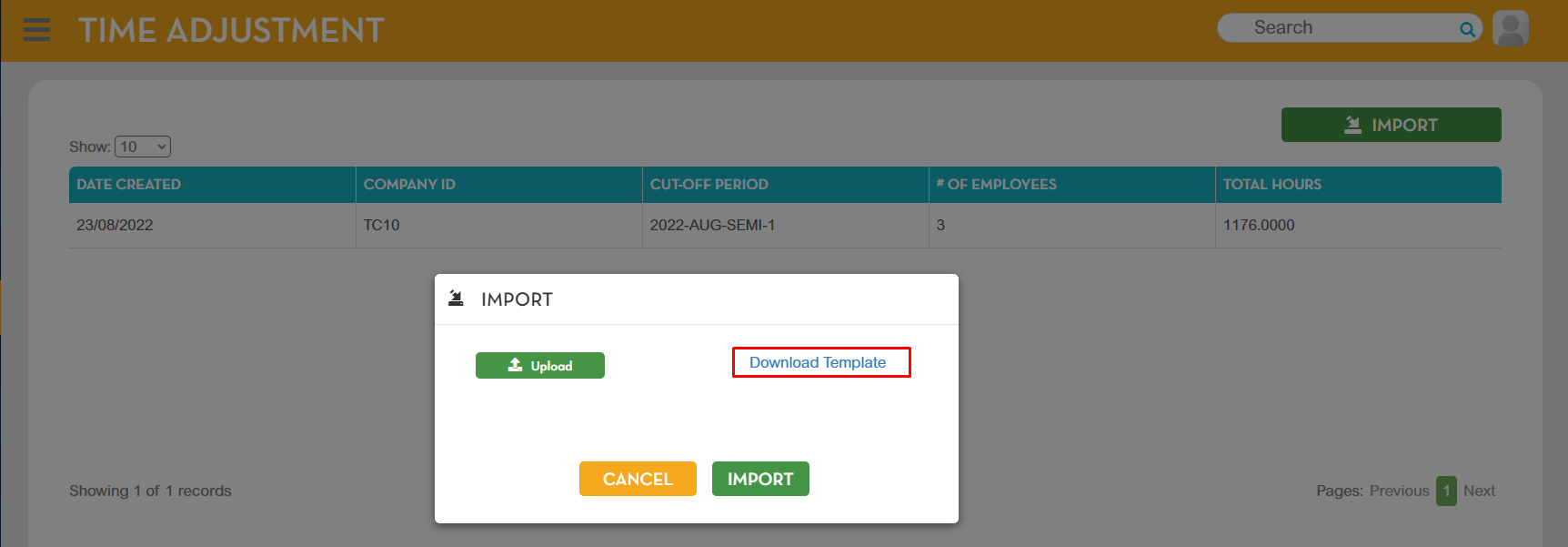
Click Download Template button.
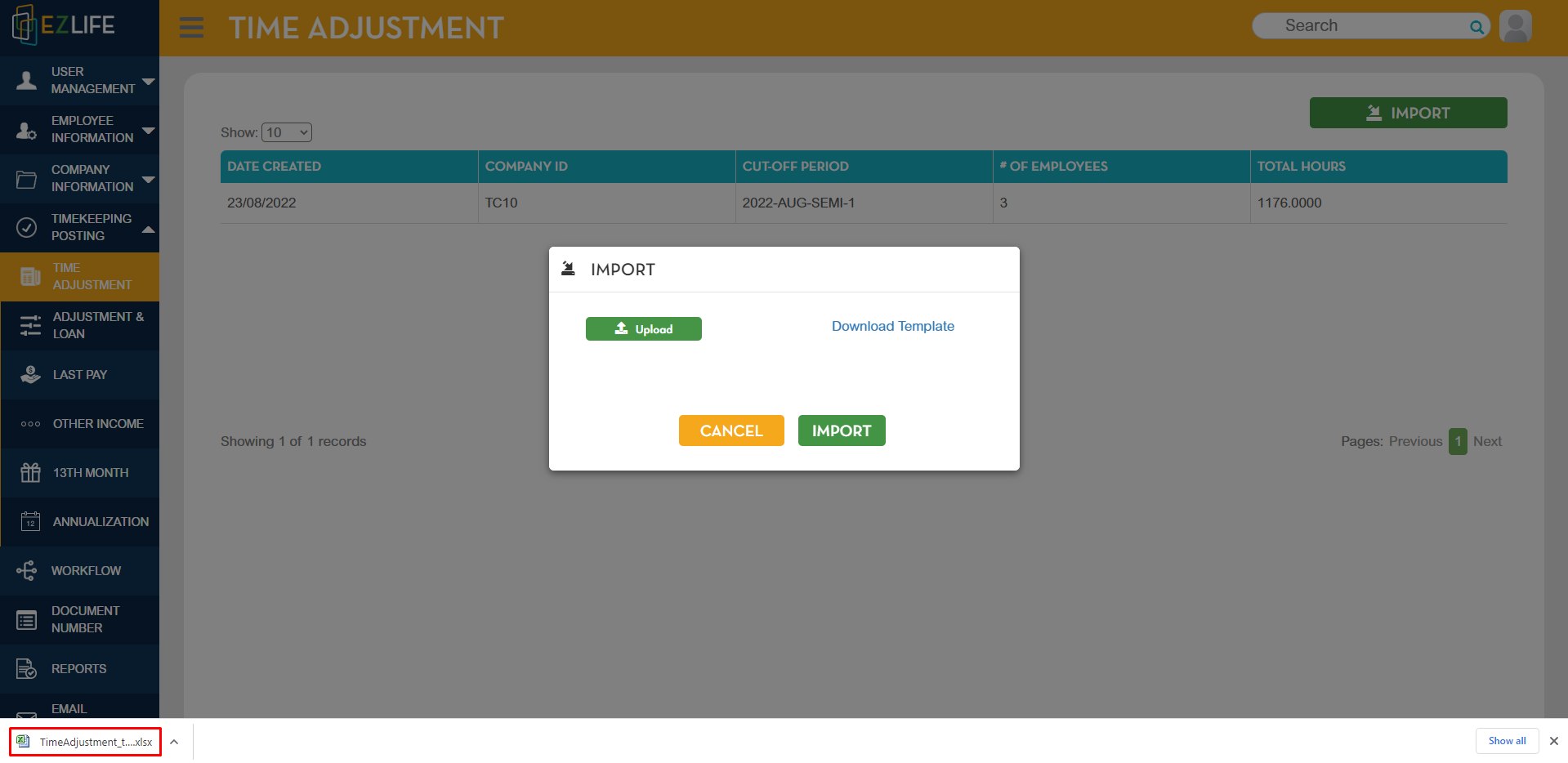
Click the downloaded Time adjustment template - Excel File in the lower left corner.
Input the following data in the template file:
1. Company
2. Cut-off period
3. Employee ID
4. Time adjustment
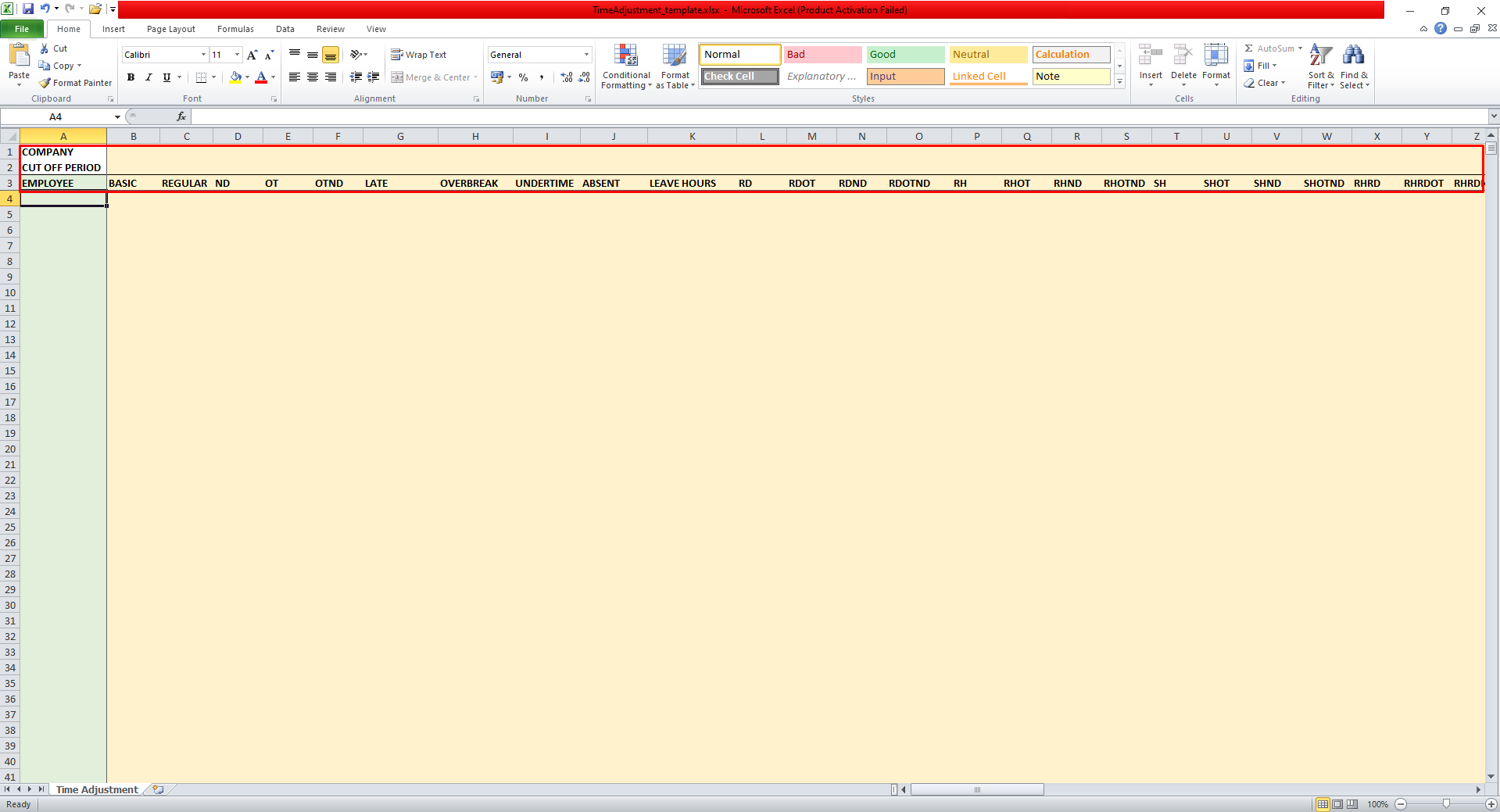
Here are the list of time adjustments allowed for this module:

ND- Night Differential
OT- Overtime
RD- Rest Day
RH- Regular Holiday
SH- Special Holiday
If all information are correct, save the template file then click Upload.
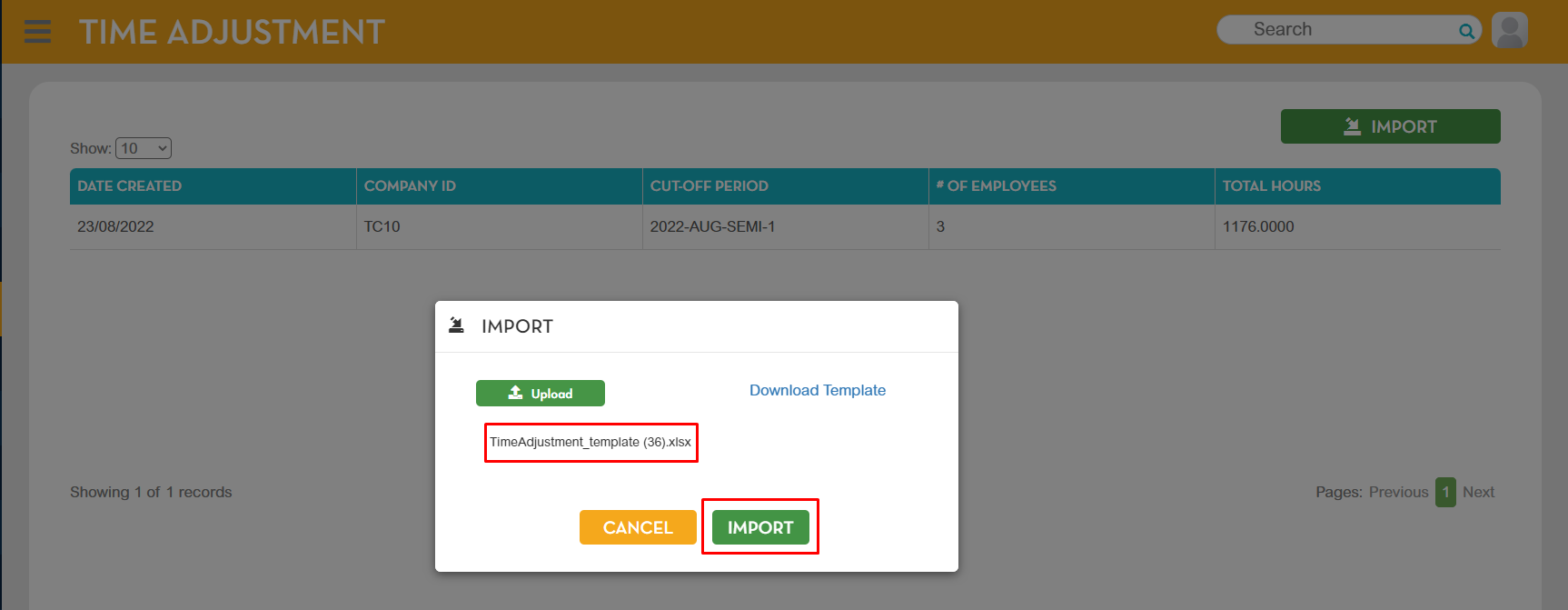
If the upload was successful, the template name should appear then click Import button.
A pop up message will show that the import was successful.
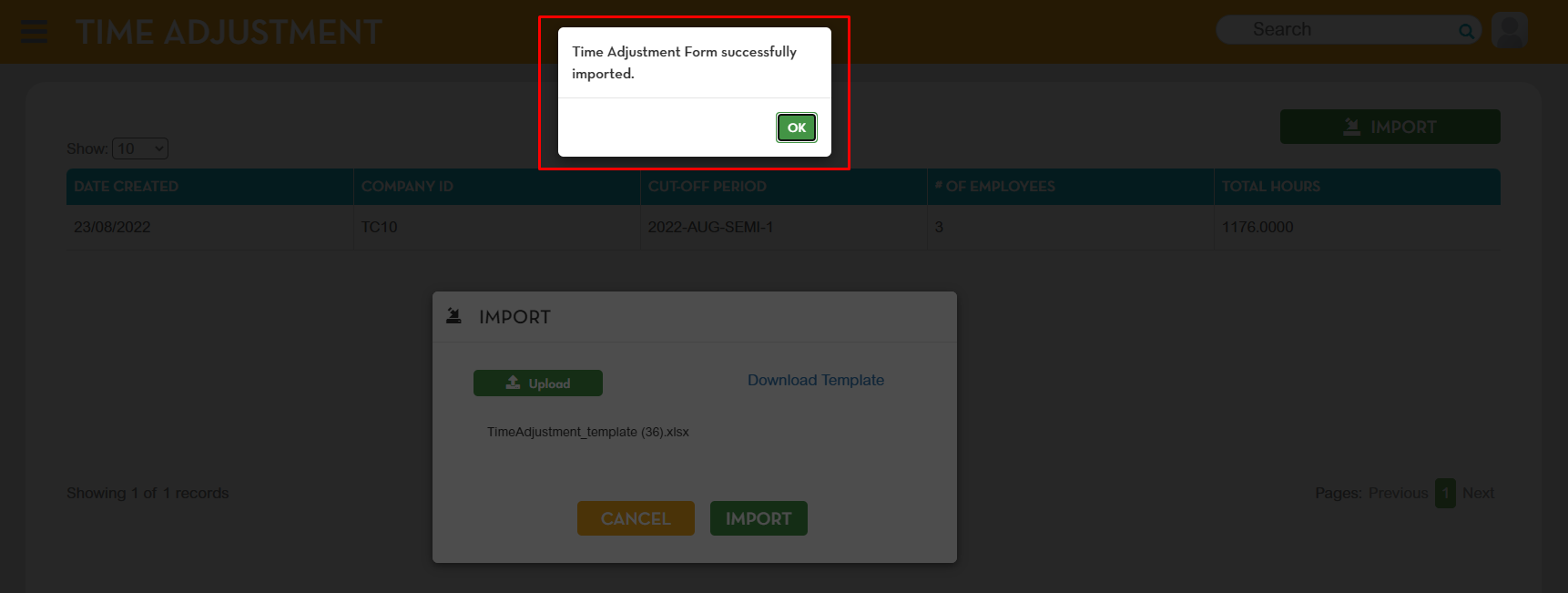
The time adjustment imported will be added to the list.