This warning message means that Profile is disabled in the employee's user role.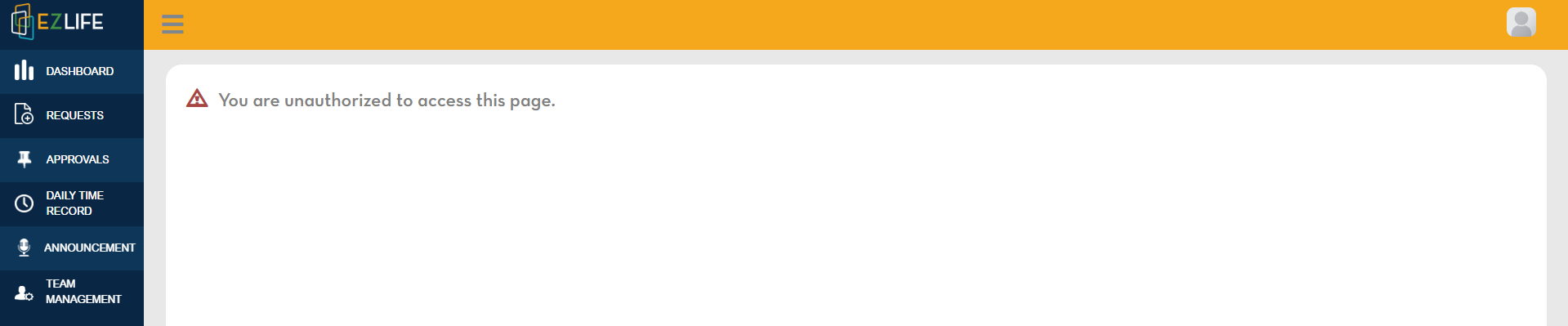
To change user role, click the profile icon in the upper-right corner of the page, go to Administration - User Management - edit employee.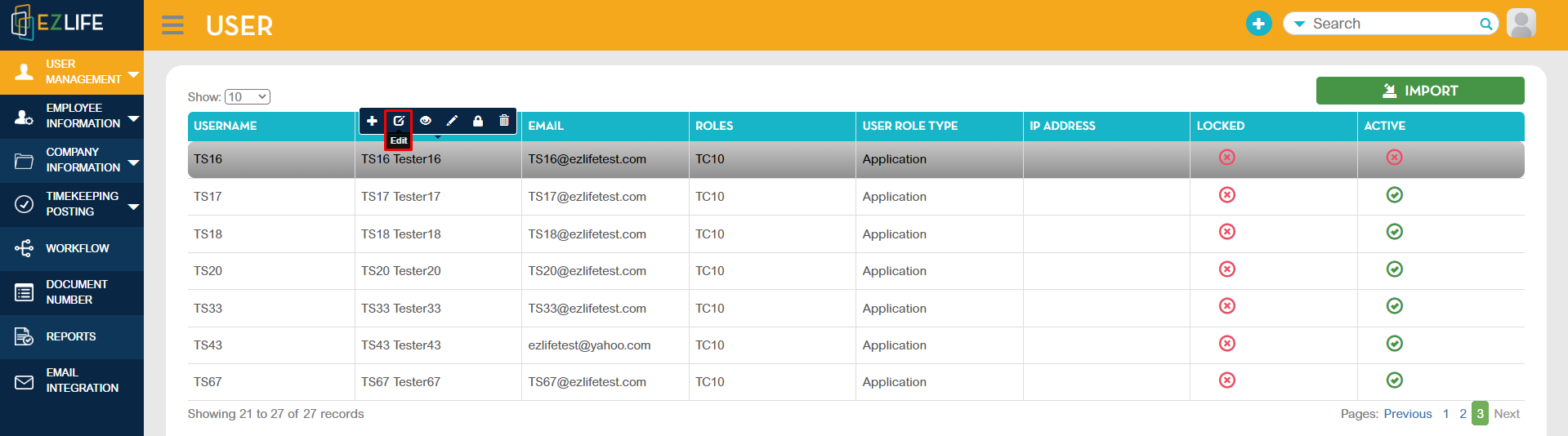
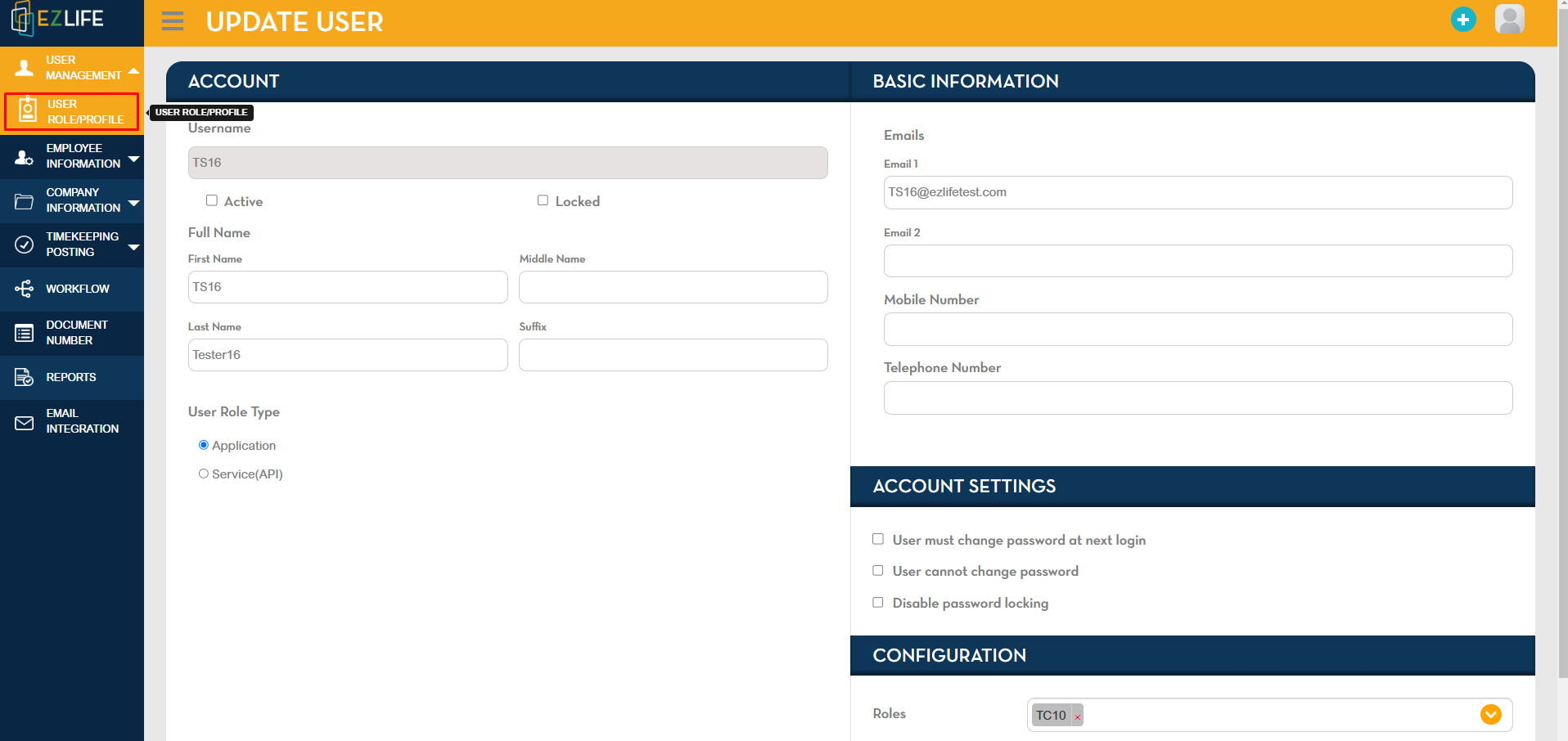
Check the employee's User Role.
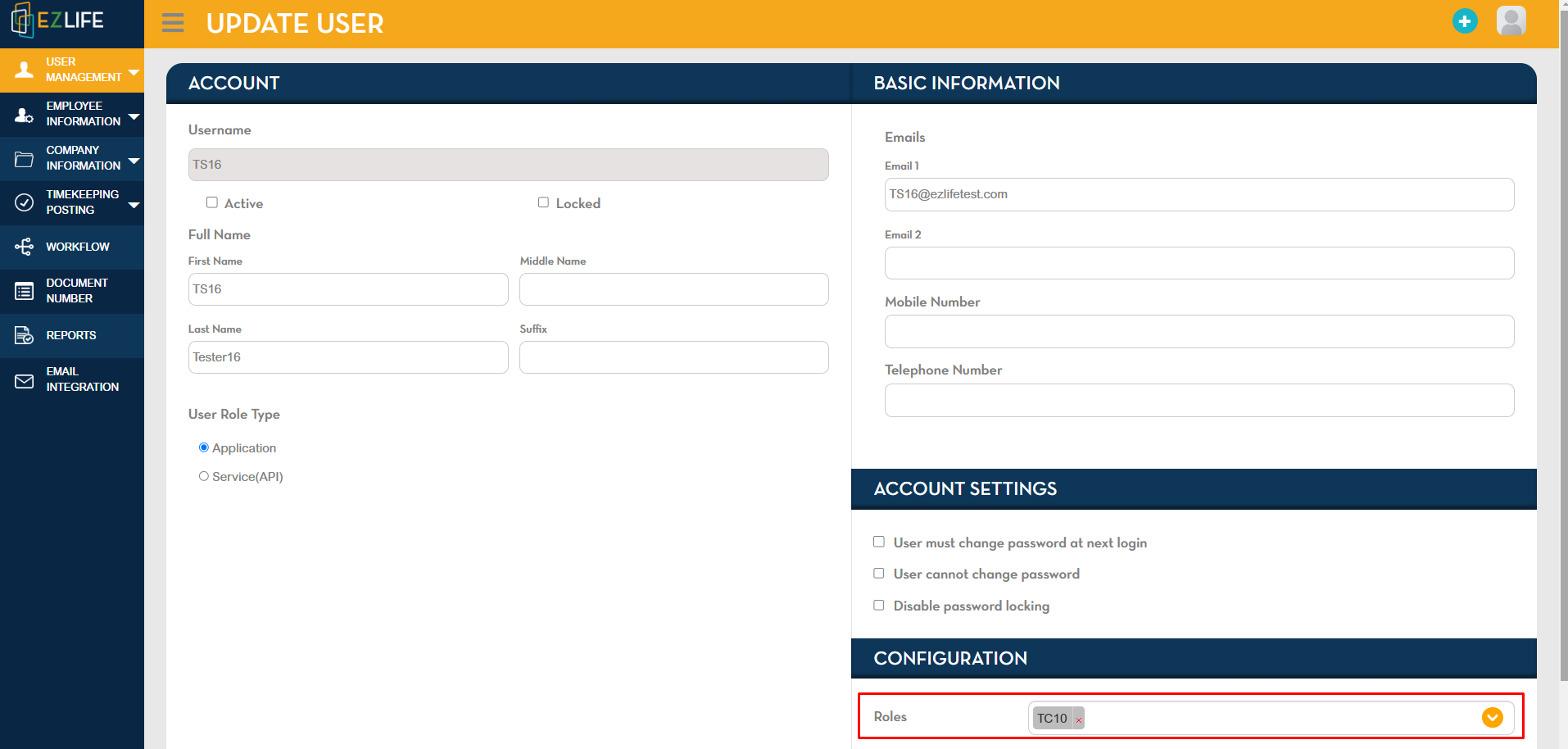
Once you already know the employee's user role. Go to User Role/Profile.
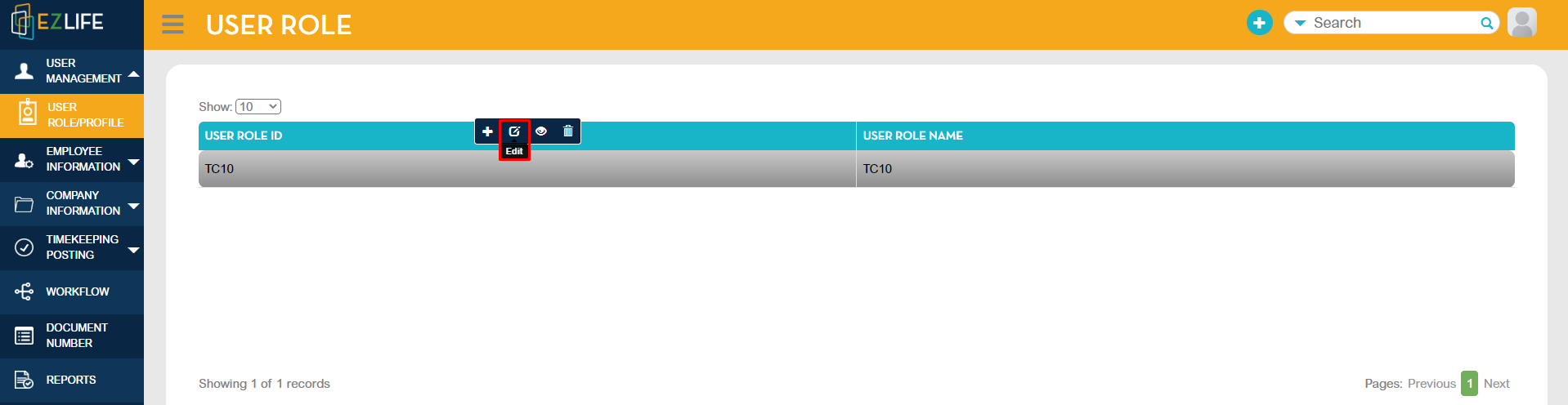
In User Role/Profile. Edit the employee's user role.
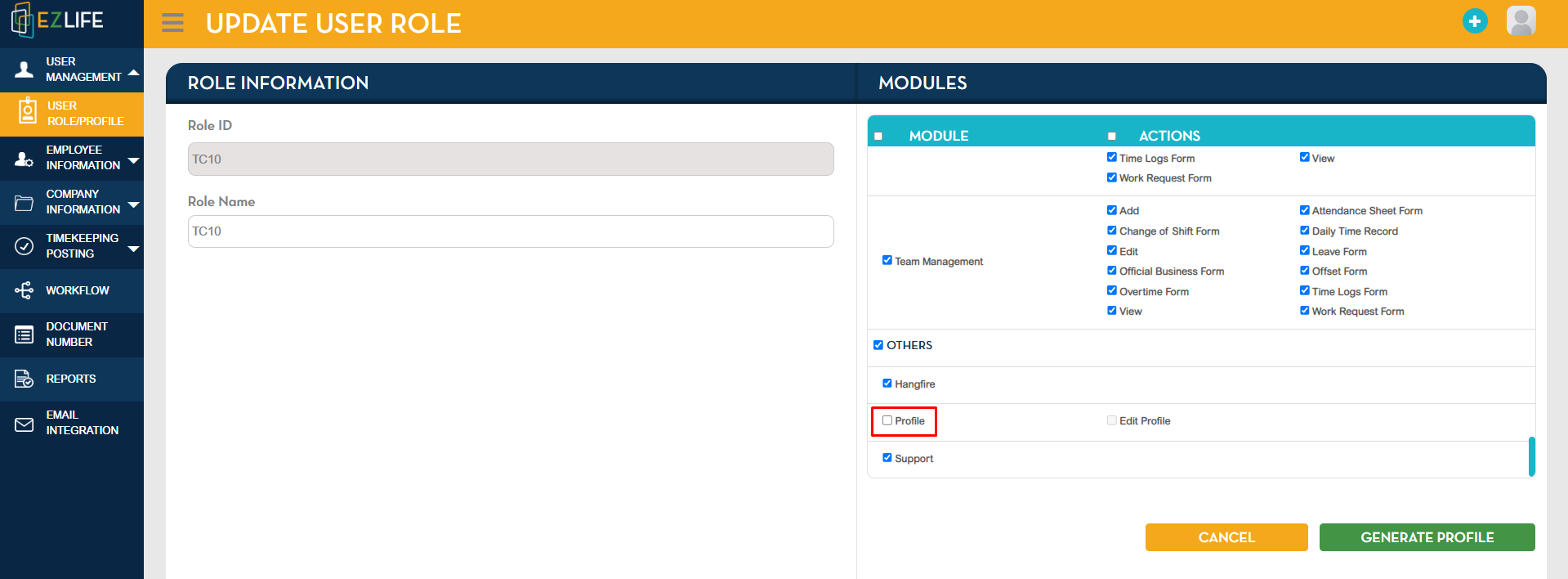
Tick the Profile box. If the employee is also allowed to edit profile, tick the Edit Profile box.
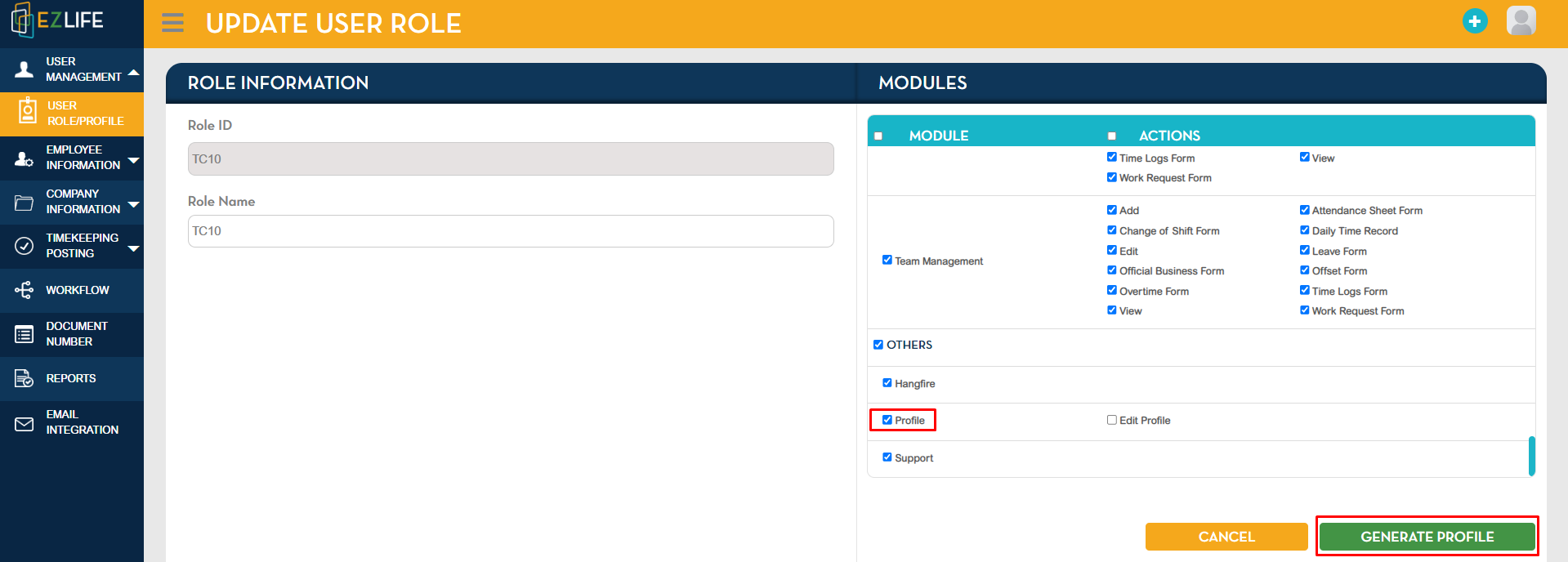
Once done, click Generate Profile.
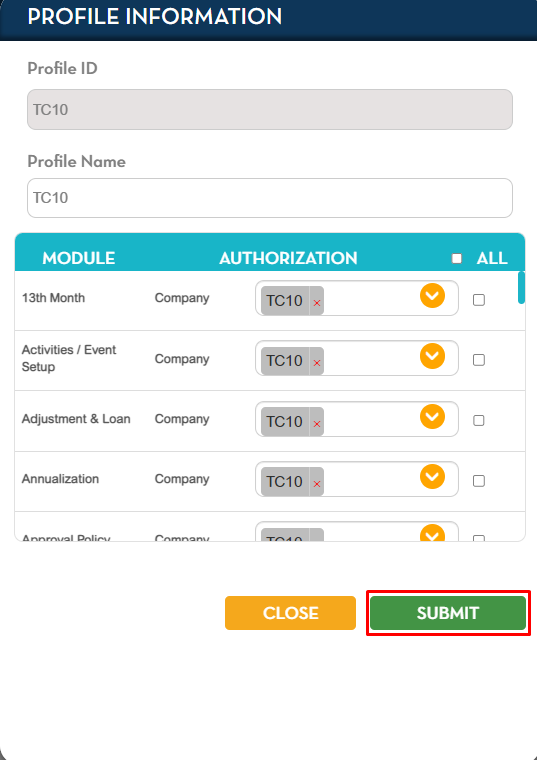
Click Submit.
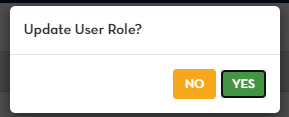
A pop-up confirmation message will show, click YES to proceed.
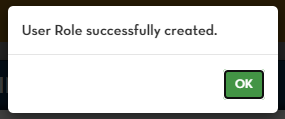
Another pop-up confirmation message will show that you successfully created User Role. Click OK.