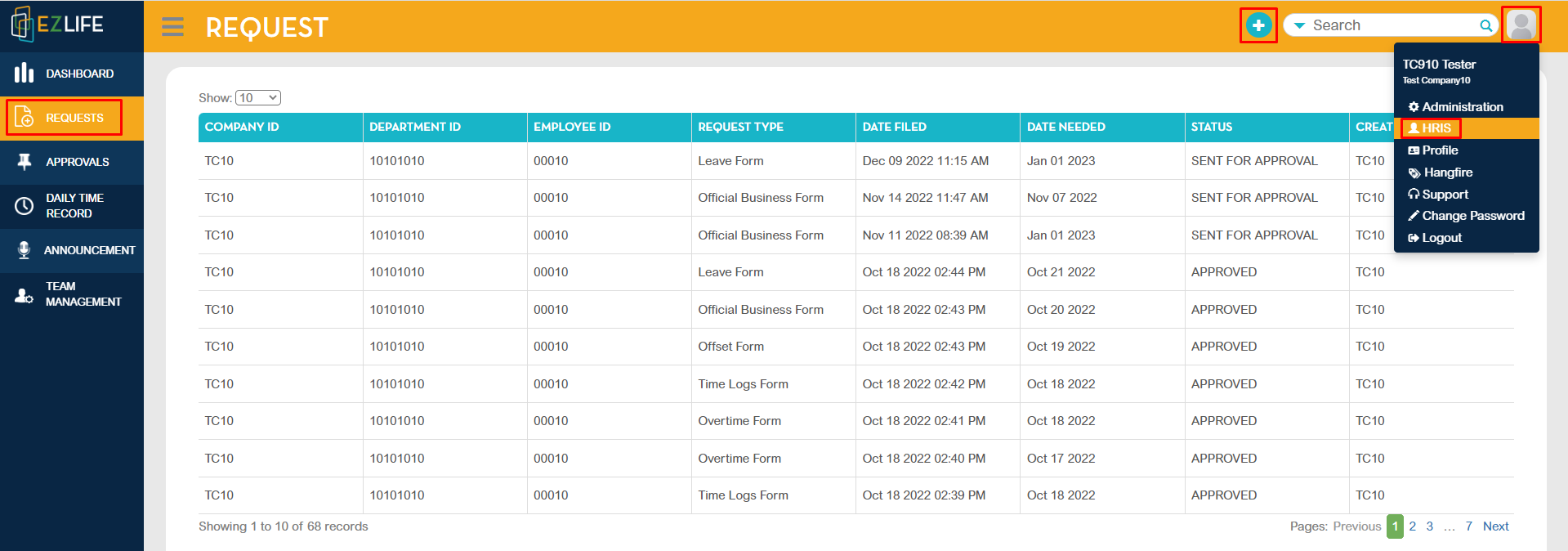
To file an overtime form, click the profile icon in the upper-right corner of the page, go to HRIS - Requests - click the add [+] button.
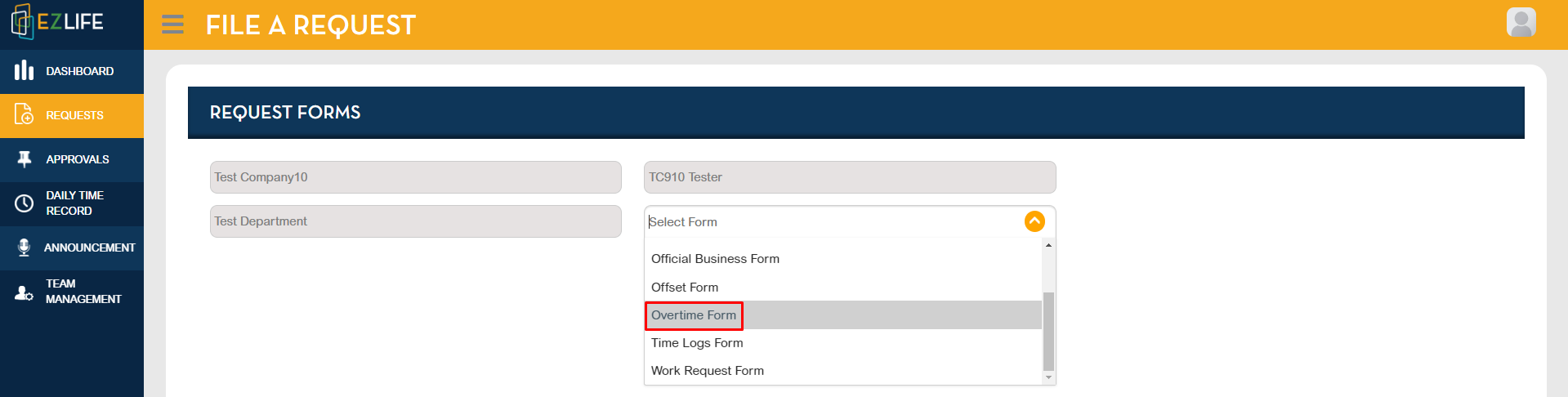
FILE A REQUEST page will show, choose Overtime Form.
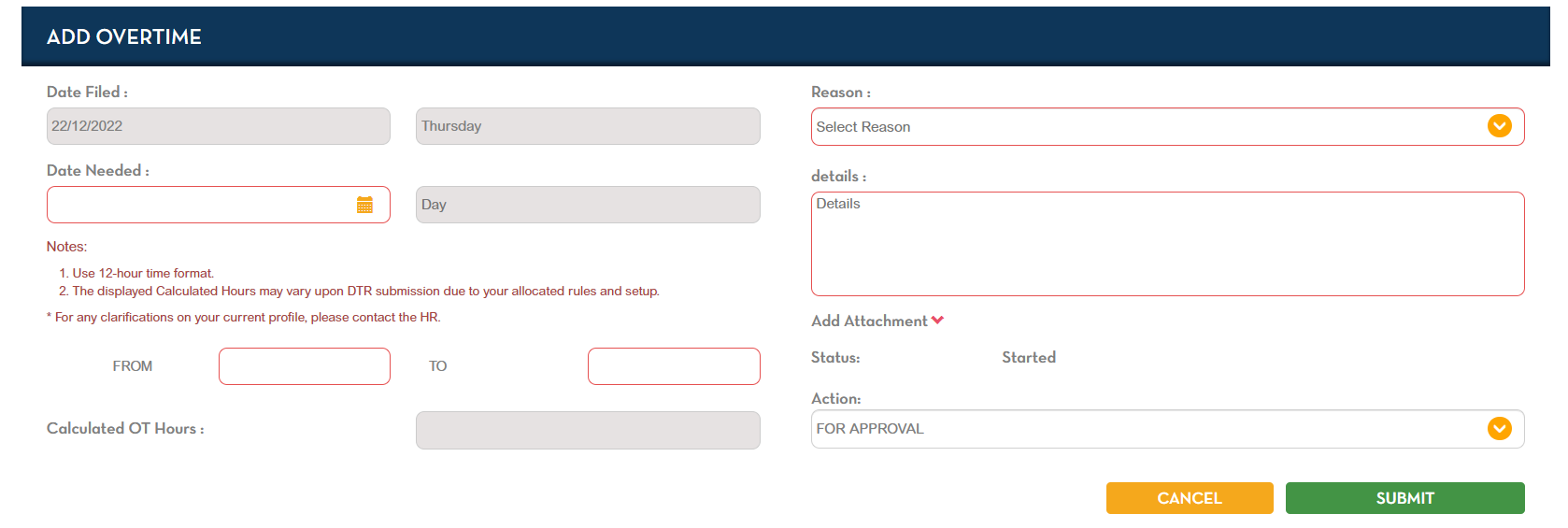
Enter Overtime Details. Highlighted in red indicates required. Once all the details are completed. Select action FOR APPOVAL then click SUBMIT.
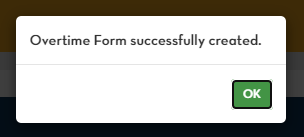
A pop-up message should show that you successfully created the Overtime Form.