An employee's User Account may be locked if
- he/she attempted to login 5 times with the incorrect password.
- it was locked by an admin
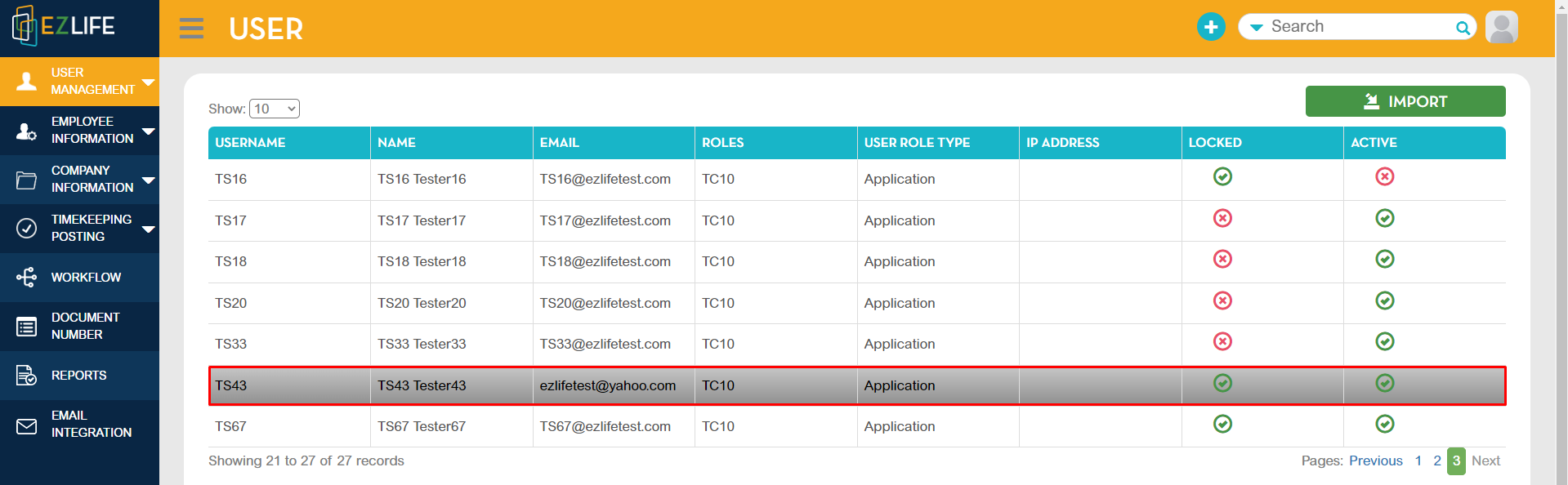
To unlock, click the profile icon in the upper-right corner of the page, go to Administration - User Management - select employee.
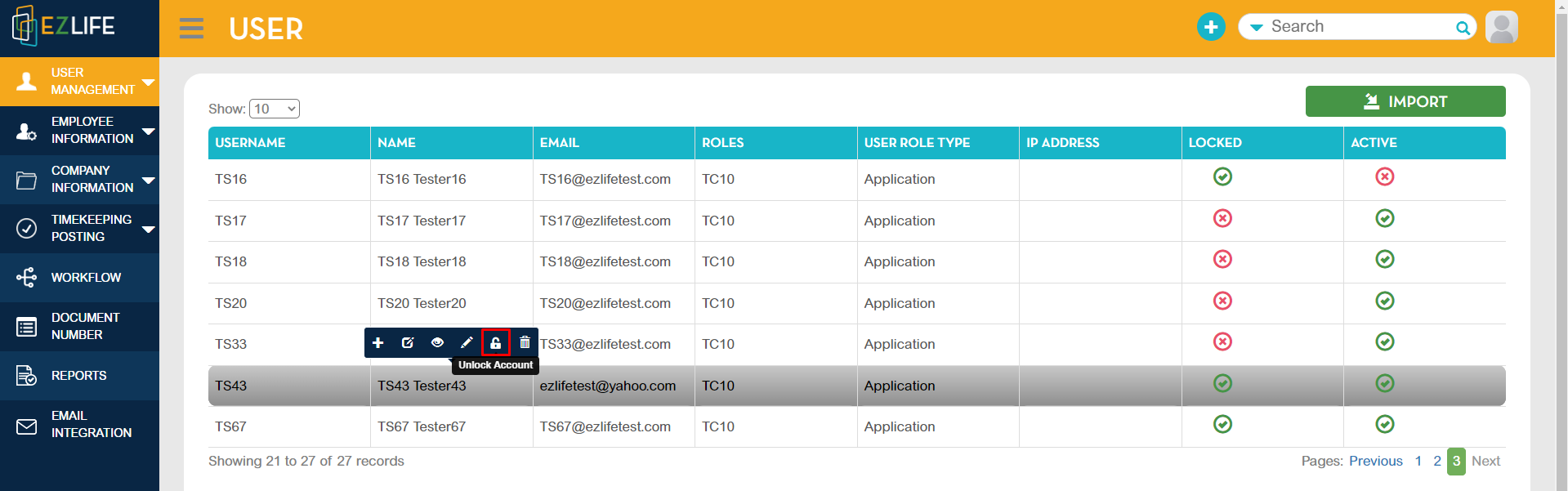
Click the Unlock icon to unlock the account.
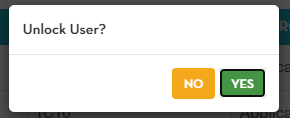
A pop-up confirmation message will show, click YES to proceed.
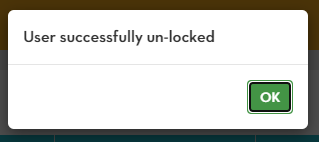
Another pop-up confirmation message will show that you successfully un-locked User. Click OK.