To display, click the profile icon in the upper-right corner of the page, go to Administration - Company Information - edit company.
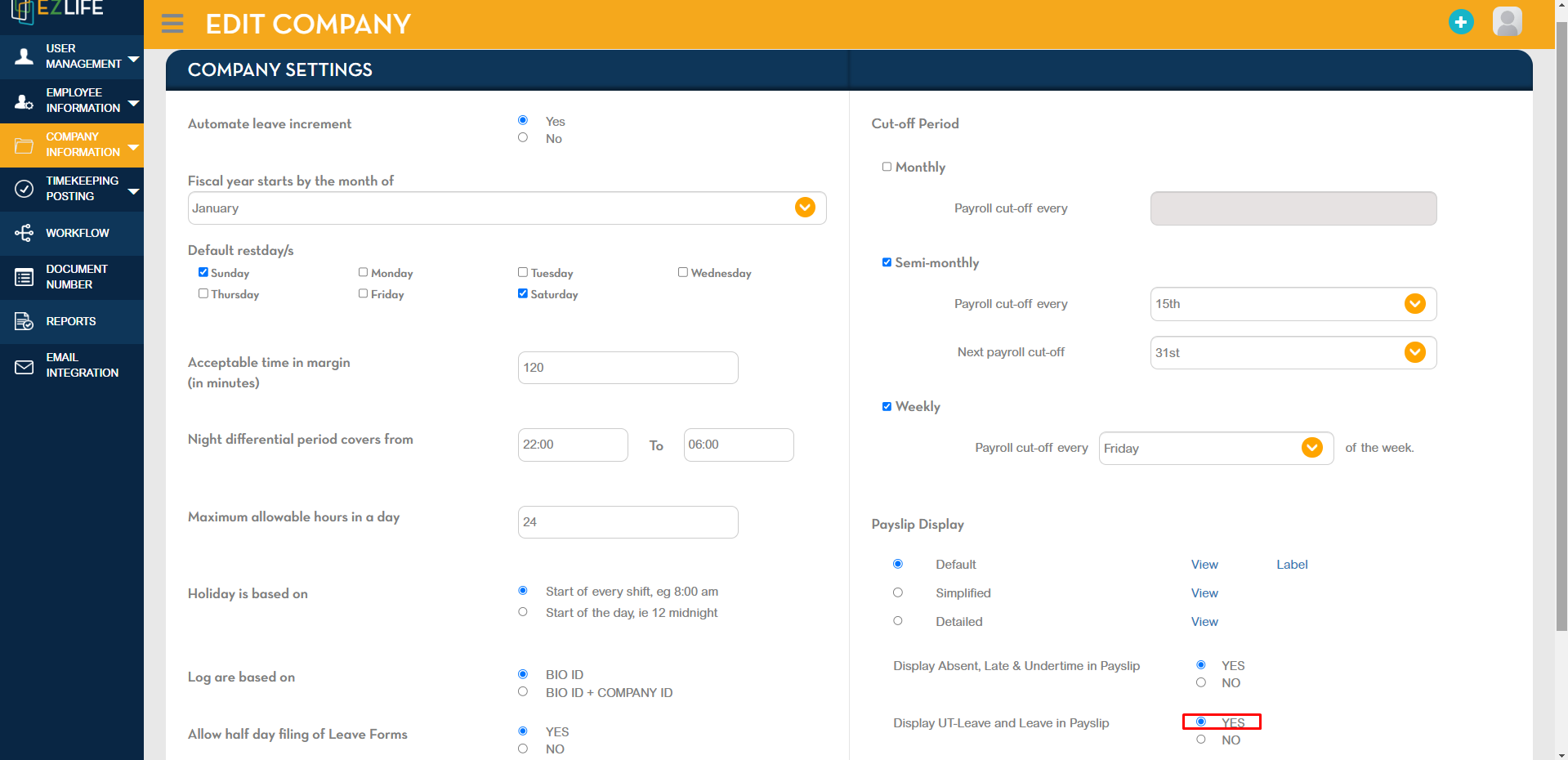
In Company Settings, tick YES in Display UT-Leave and Leave in Payslip.
Once done, click NEXT.
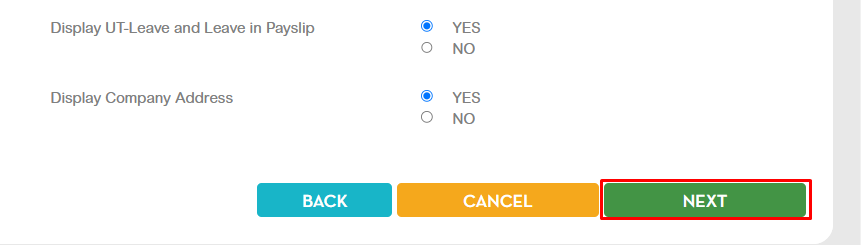
In the next page, click SAVE below to save the changes made.

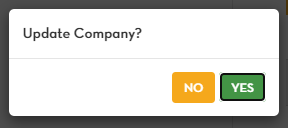
A pop-up confirmation message will show. Click YES to proceed.
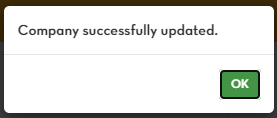
Another pop-up confirmation message will show that you successfully updated the company. Click OK.