To change, click the profile icon in the upper-right corner of the page. Select Administration - Employee Information
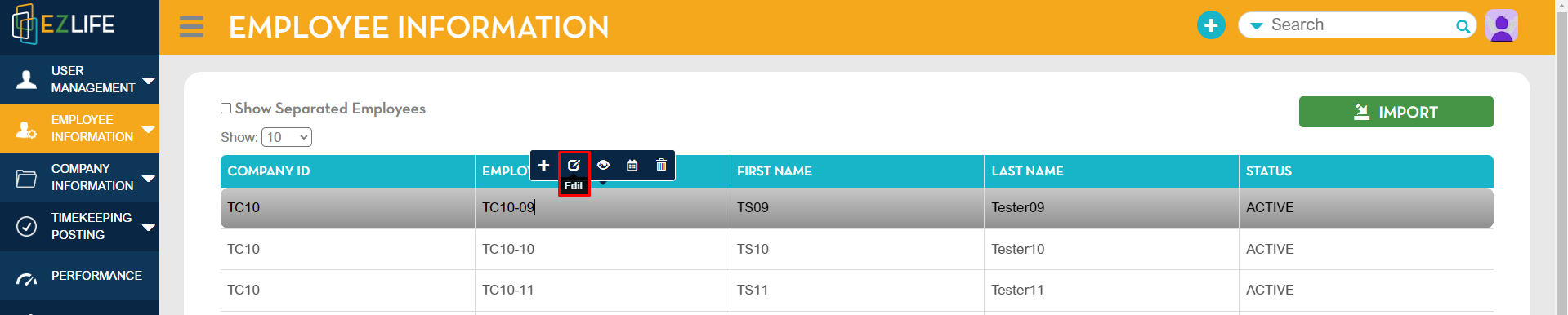
Select the employee then click Edit
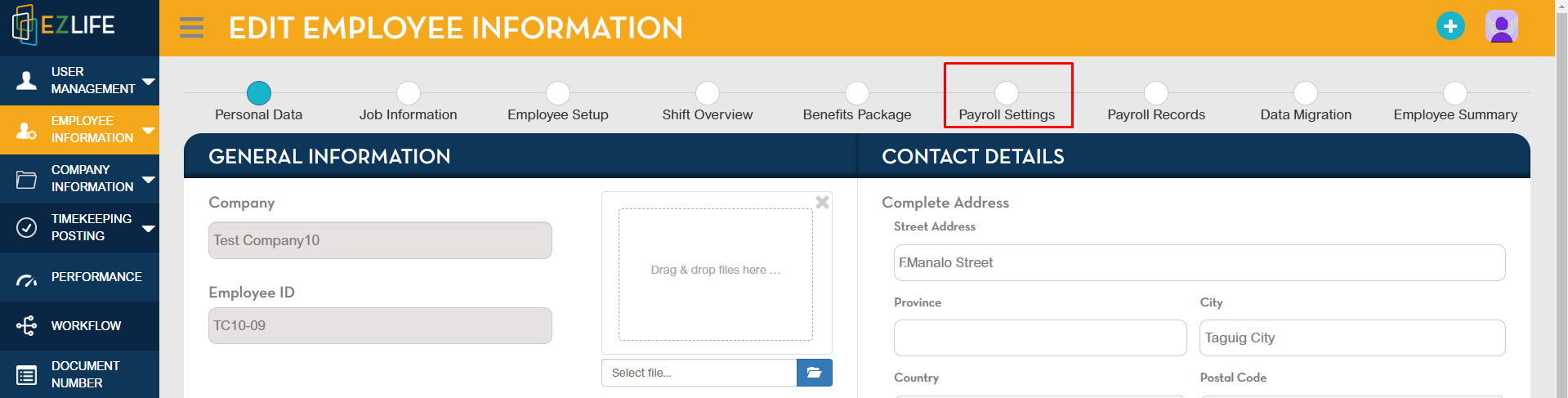
Go to Payroll Settings
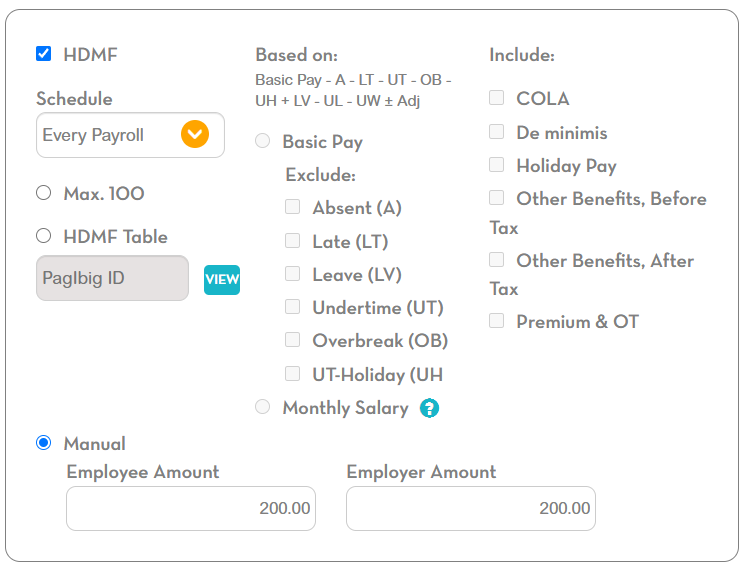
Proceed to the HDMF Table below. This image is showing the Max 100 configuration for HDMF
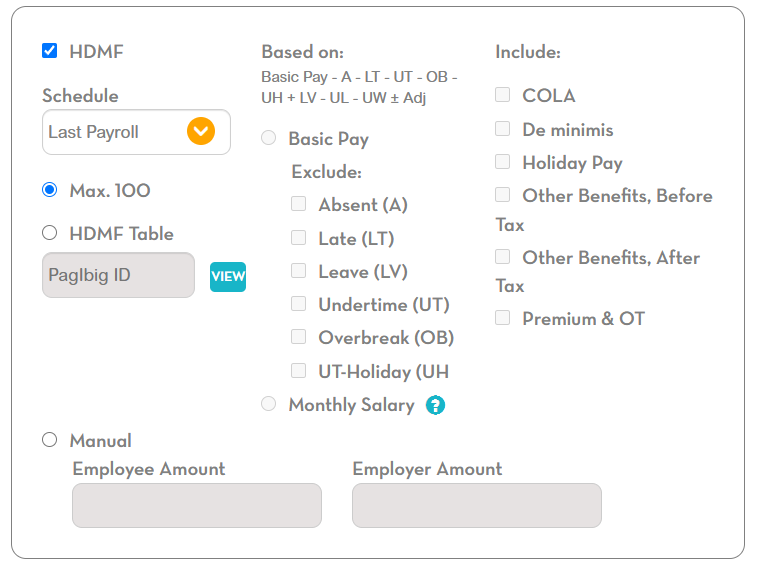
Tick the HDMF box, select your schedule then tick Manual, type in the Employee Amount - 200.00 and Employer Amount - 200.00
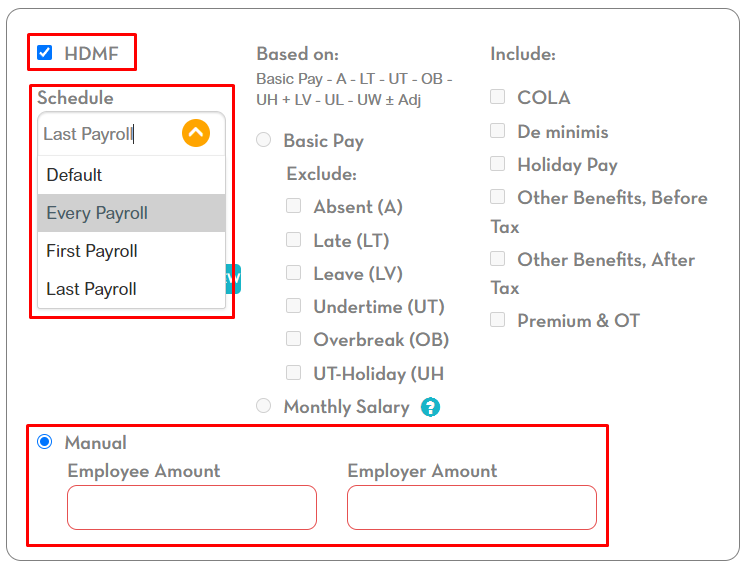
This image is showing the Manual 200 configuration for the HDMF Table
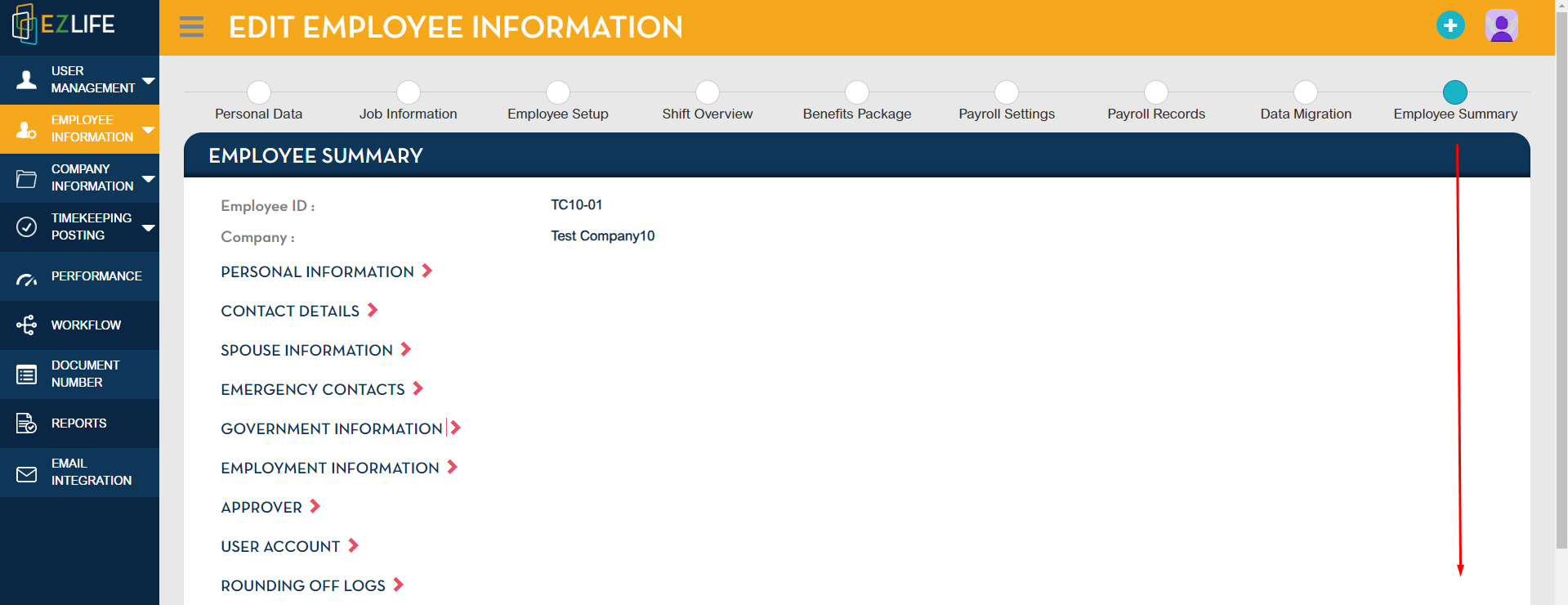
Once the changes are made, from Payroll Settings proceed to Employee Summary

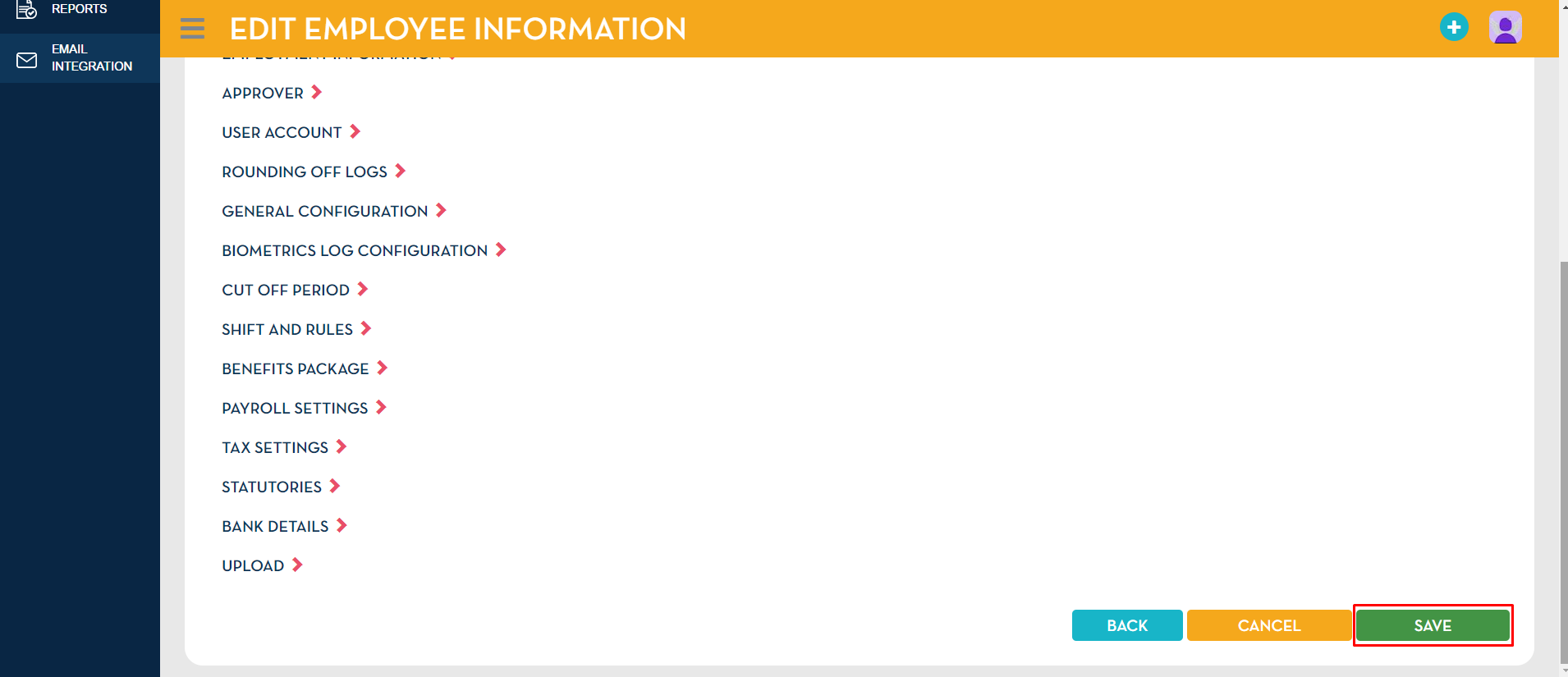
In Employee Summary page, go to the bottom page
Click Save
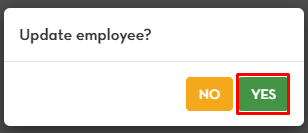
A pop-up message will show to update employee, click YES
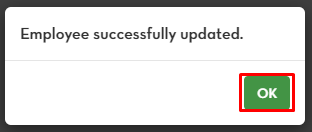
Another pop-up message will show that the employee was successfully updated, click YES.