The initial step is to connect your ZKTeco Biometric Device to HRIS by following the steps in the link below.
https://newaccount1614305916024.freshdesk.com/a/solutions/articles/69000838218
After completing the aforementioned task, please proceed to the subsequent steps outlined below.
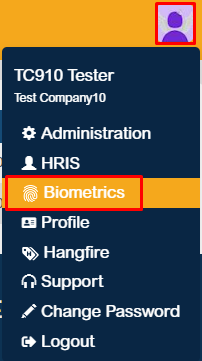
To register the ZKTeco Biometric Device to HRIS, click the profile icon in the upper-right corner of the page, go to the Biometrics module.
In the Biometrics module, your ZKTeco Biometric Device information will show:
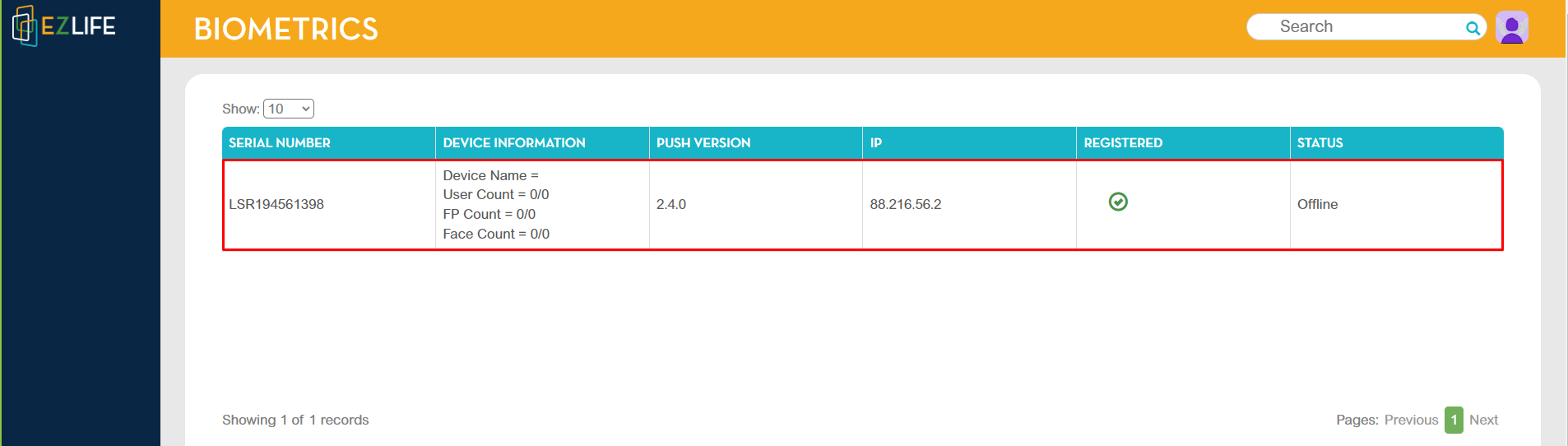
Please note: The status of your device must show ONLINE to proceed to the next step.
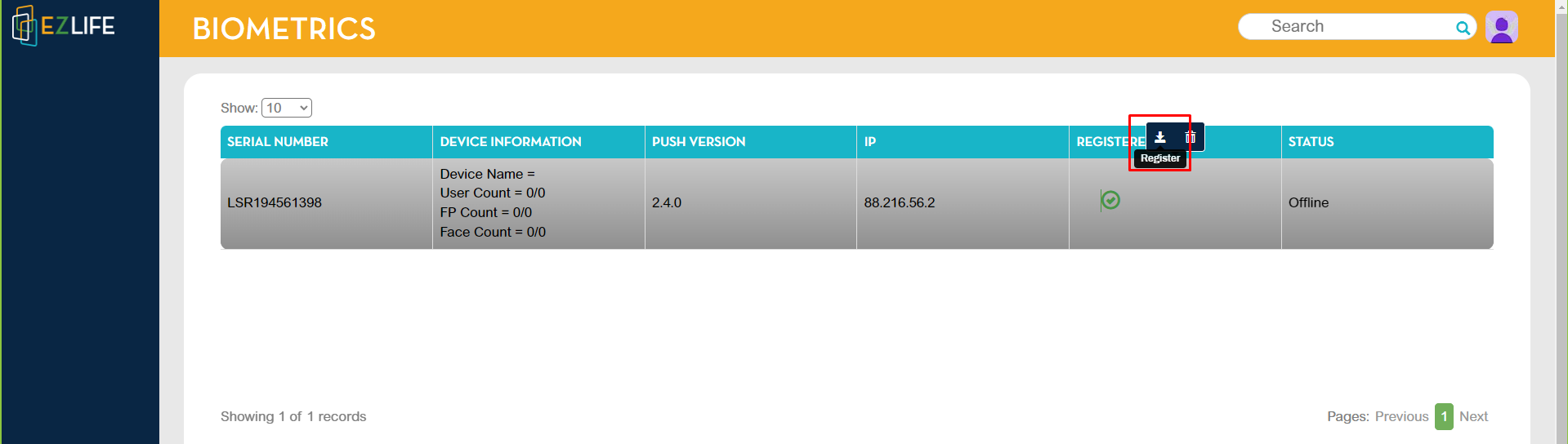
Click your device registered column, then choose the register icon. Once done, a check icon will show in the registered column and you device is now registered.