To sign in, click the profile icon in the upper-right corner of the page. Select Administration. Go to Email Integration module then click the Add [+] button.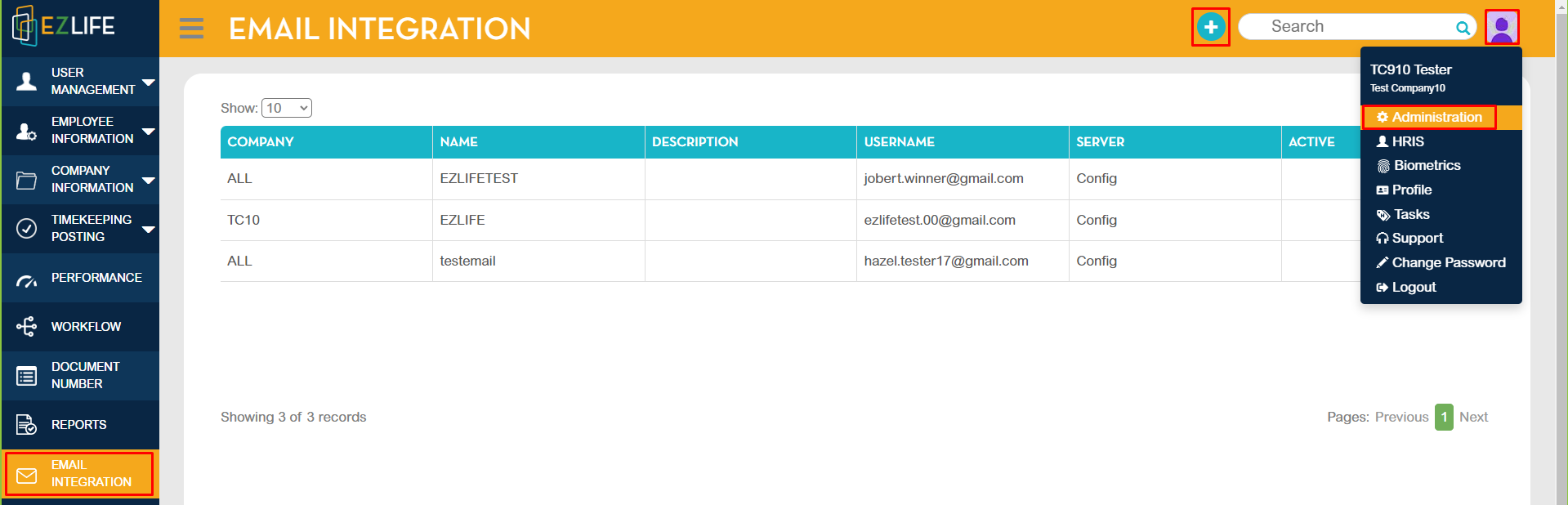
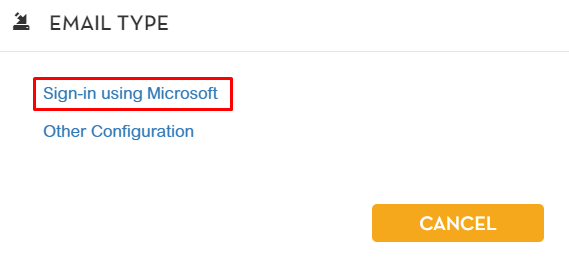
Choose Sign-in using Microsoft.
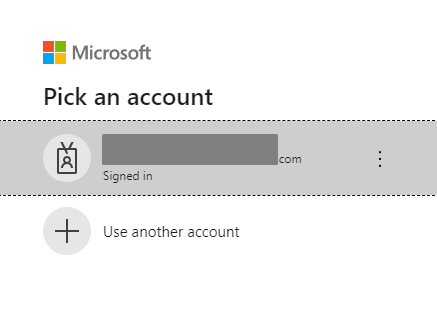
Pick an account that you would like to use in sending email notifications.
After selecting an account, you will be redirected to Email Integration module.
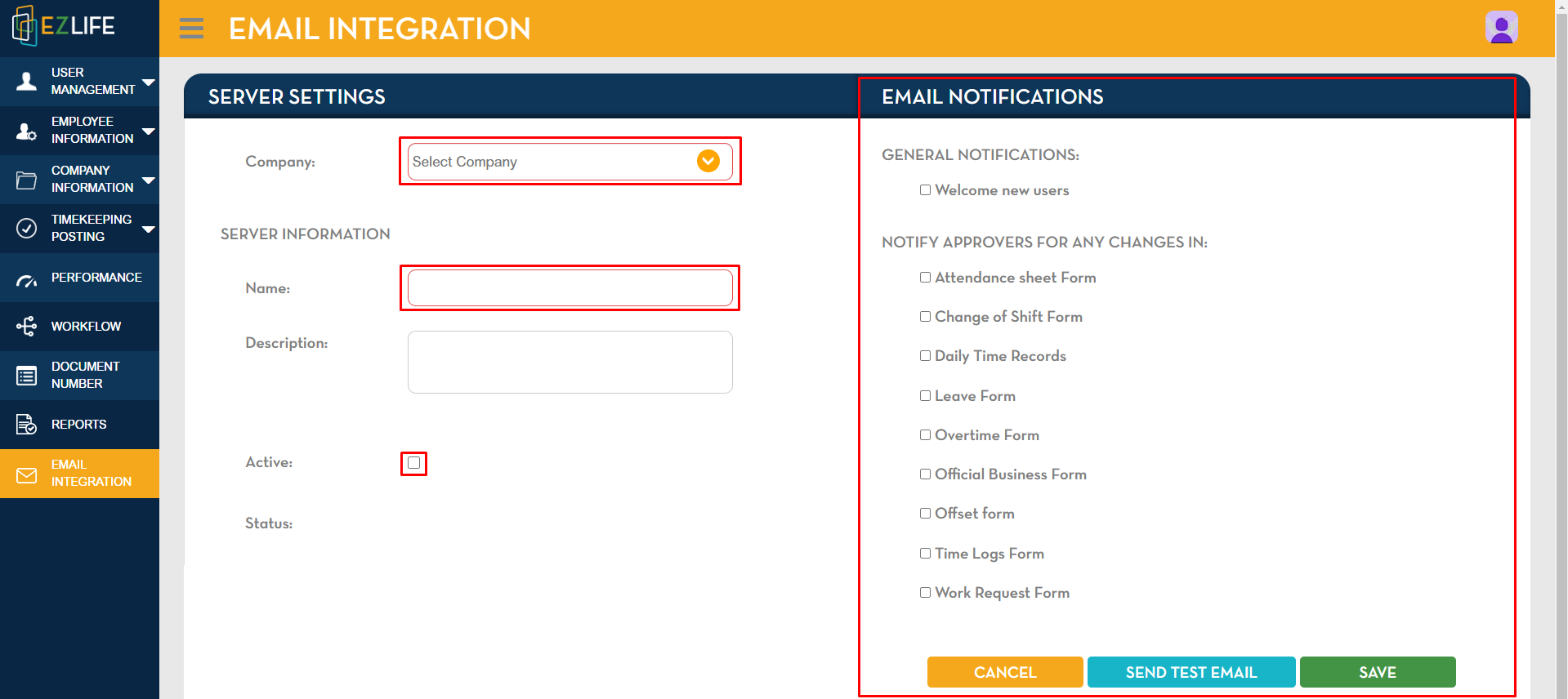
In Server Settings
Select Company - Input Server Information Name - Enter Description - Tick the Active box.
In Email Notifications
Select which of the following options you would like to send email notifications.
Once completed, click SAVE.
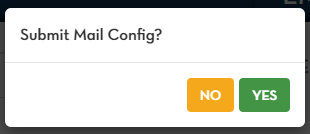
A pop-up confirmation message will show. Click YES to proceed.
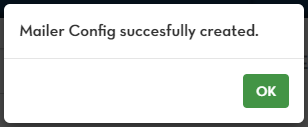
Another pop-up confirmation message will show that Mailer Config successfully created. Click OK.
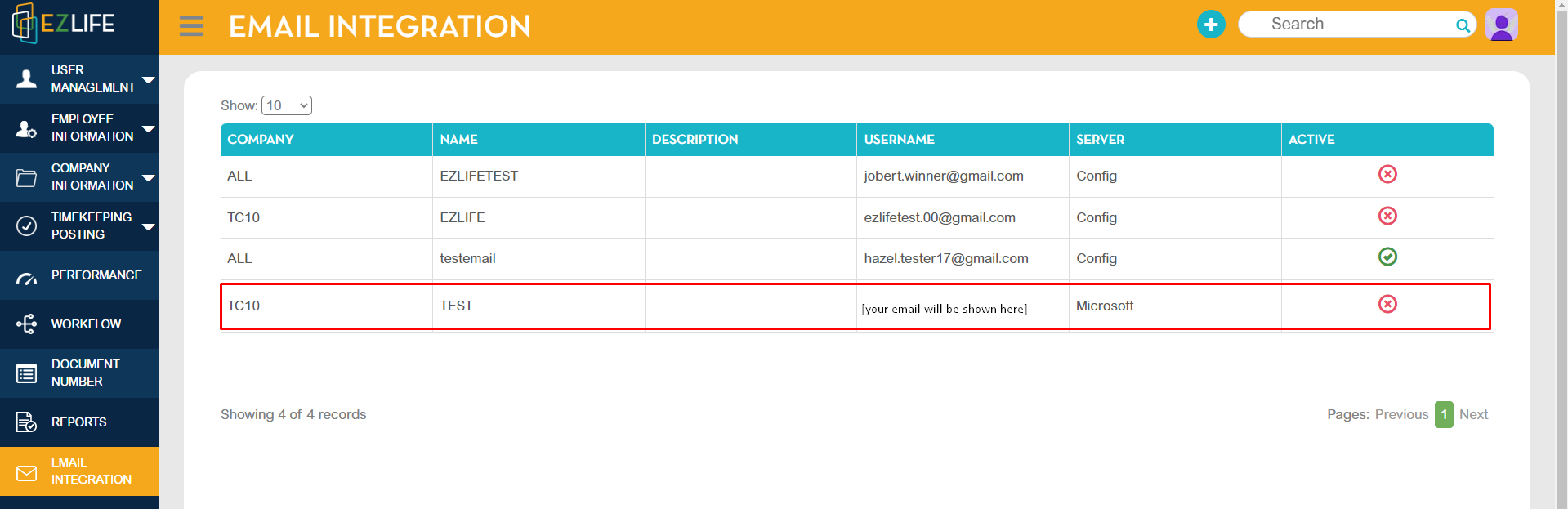
The Microsoft account will now show in Email Integration module.