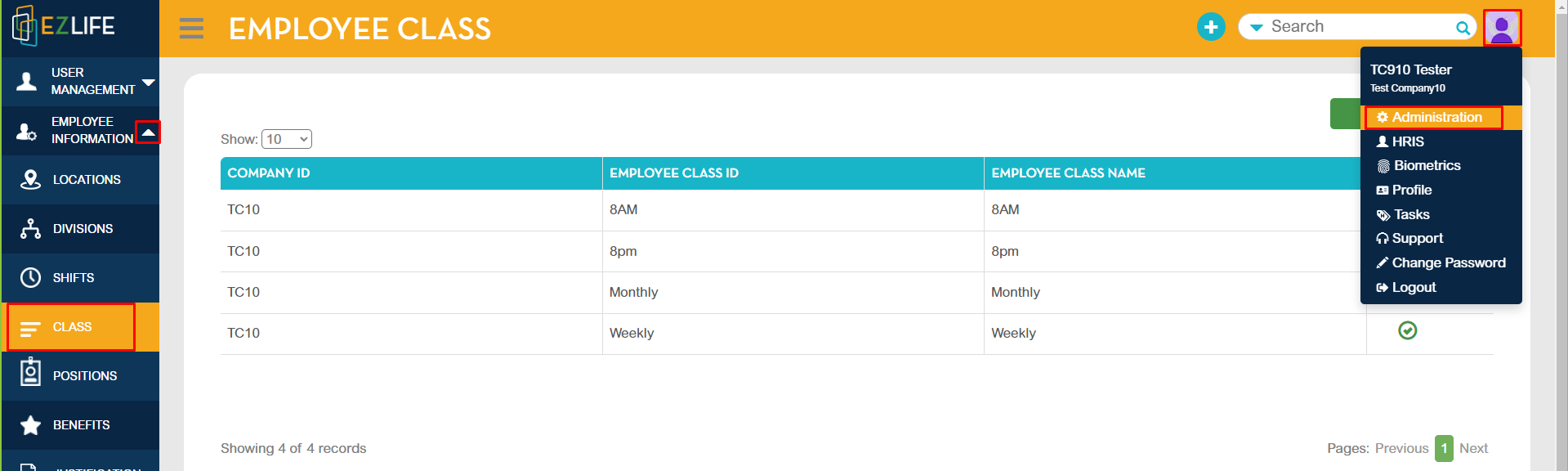
To update, click the profile icon in the upper-right corner of the page. Go to Administration - Employee Information - Class.
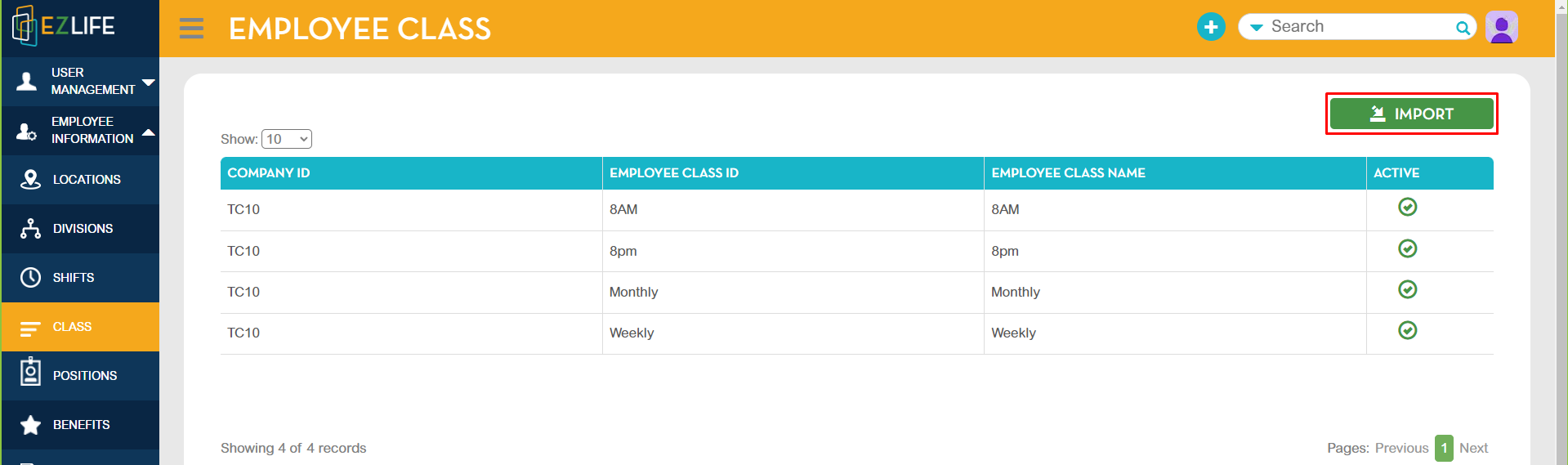
In Employee Class Module, click IMPORT.
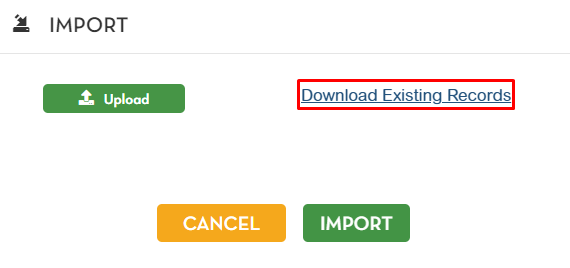
Select Download Existing Records
Open the downloaded file
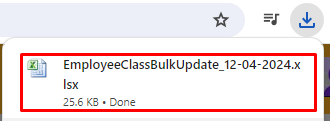
Update the employee class that requires change.
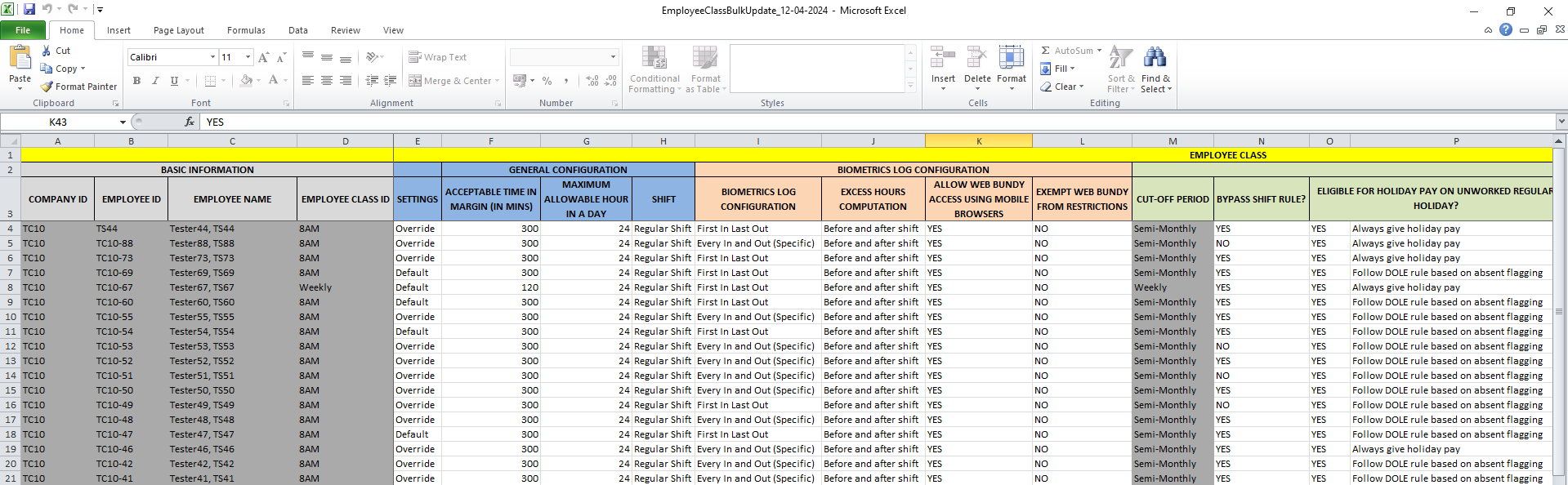
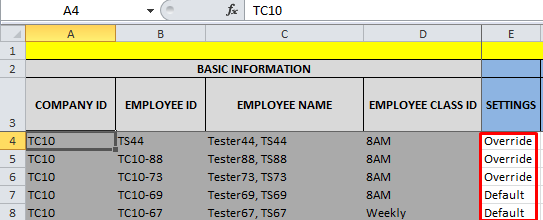
IMPORTANT NOTE: Always check the employee settings. Change Default to Override to ensure all the changes made in the configuration are reflected.
The following configuration can be updated in employee class import:
- Employee Class
- General Configuration
- Biometrics Log Configuration
- Cut-off Period
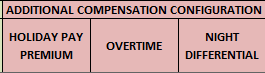
- Additional Compensation Configuration
- Shift and Rules



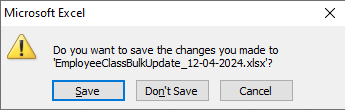
Once all the changes are completed, save the updated excel file.
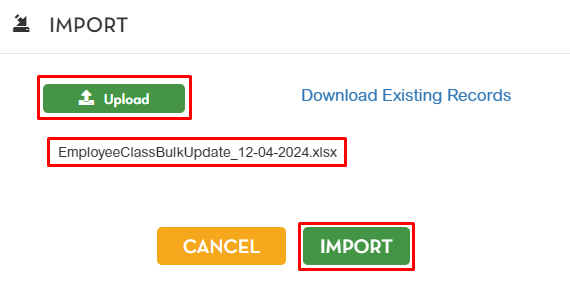
Go back to Class Module - Import. Click upload then select the updated excel file then click IMPORT.
A pop-up confirmation message will show. Click OK.