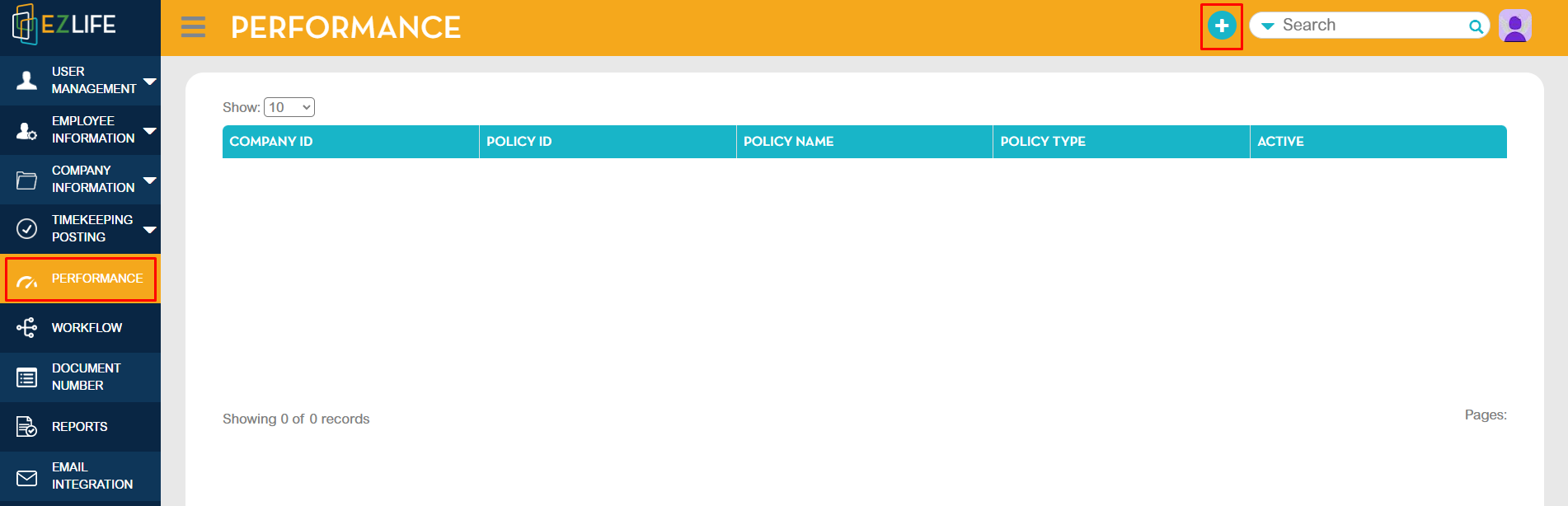
To add, go to Administration - Performance Module - click the add [+] button.
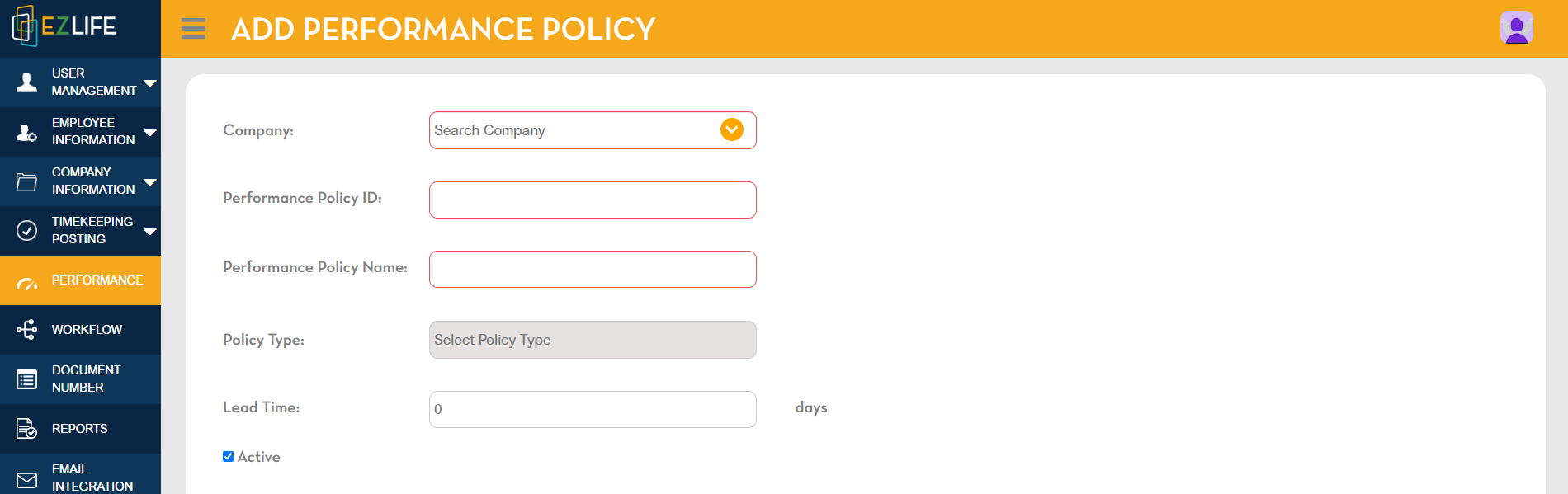
Enter Company Name, Performance Policy ID, Performance Policy Name. Select Policy Type.
There are 3 options for Policy Type:
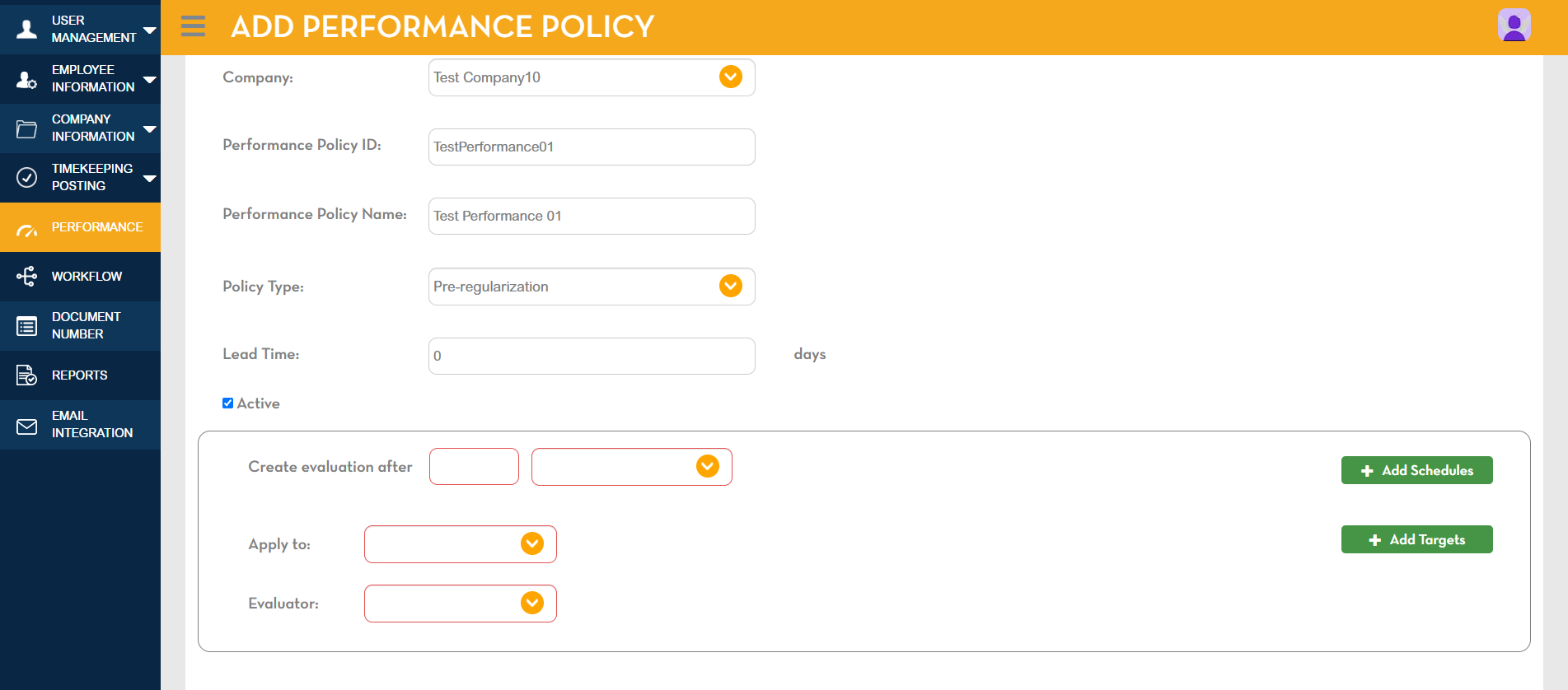
- Pre-regularization
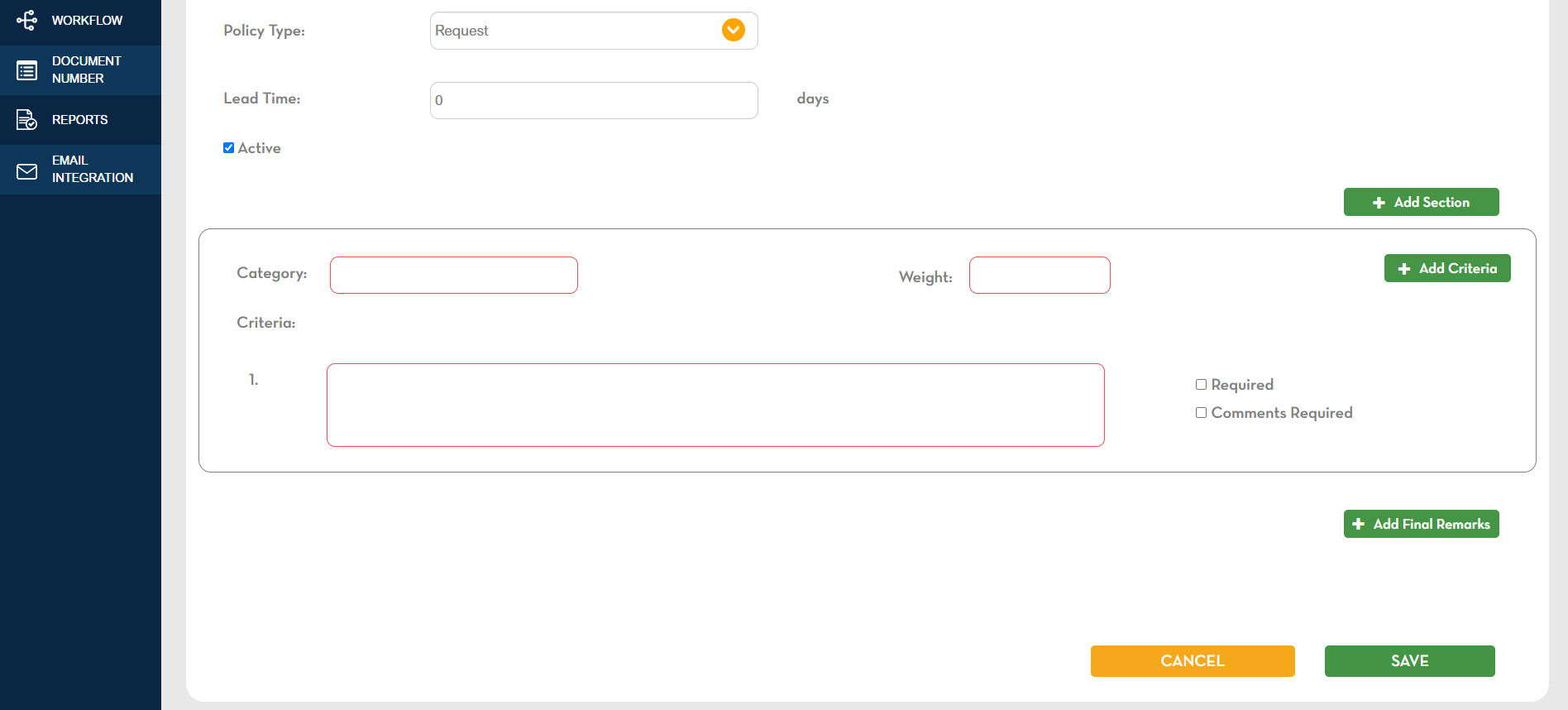
- Request
- Scheduled
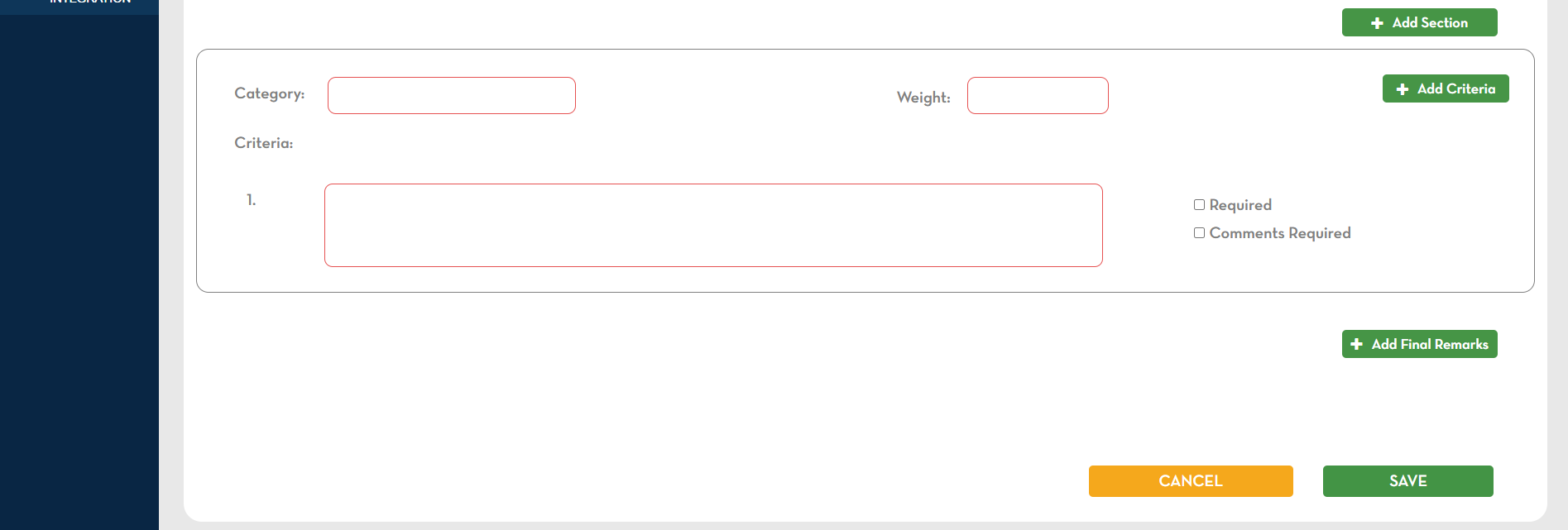
Pre-regularization requires evaluation schedule and criteria information:
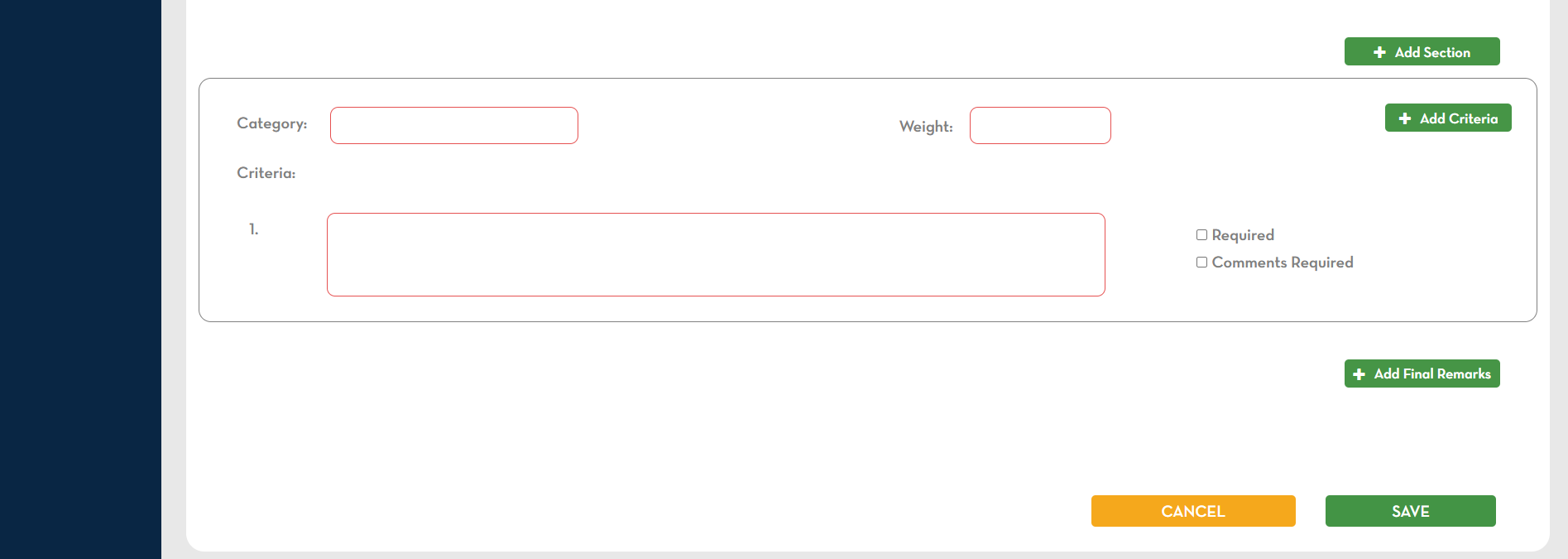
Request requires criteria information:
Scheduled requires evaluation schedule and criteria information:
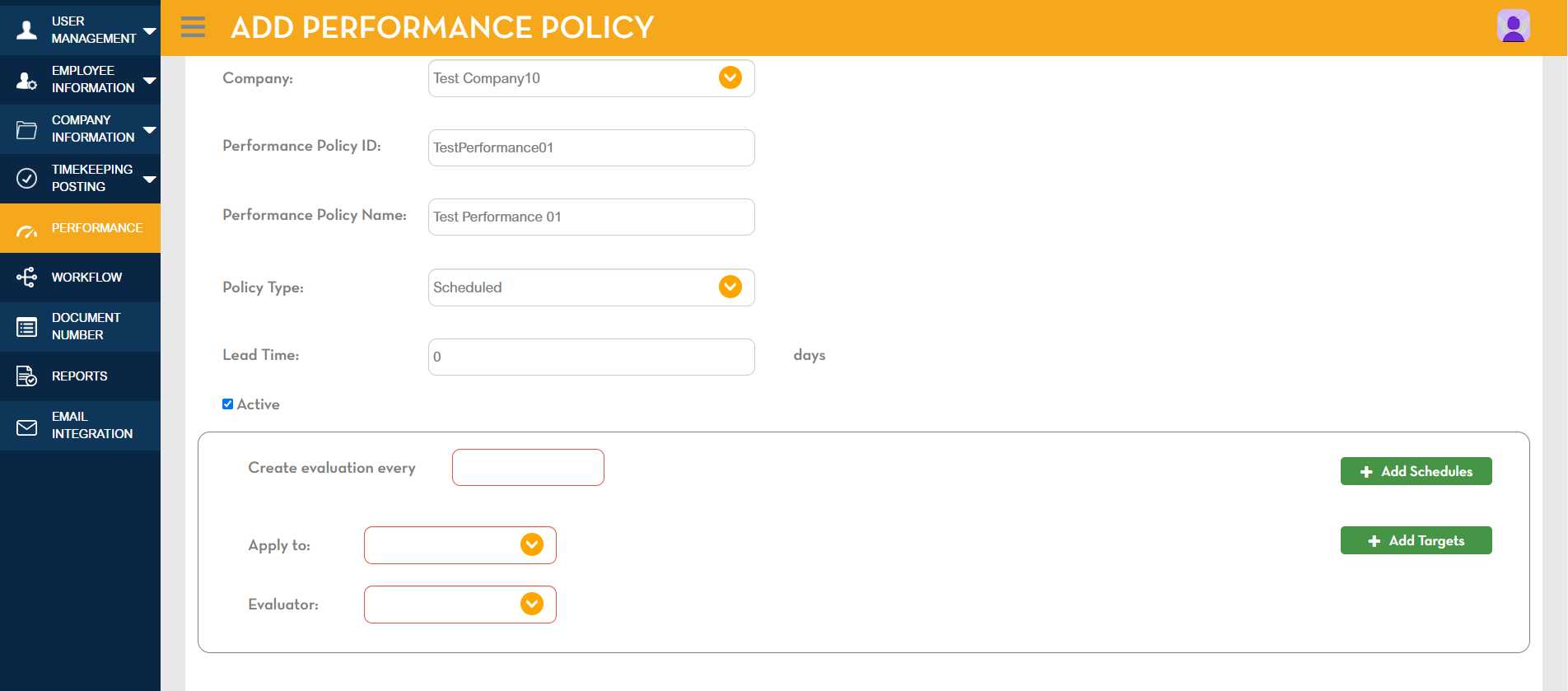
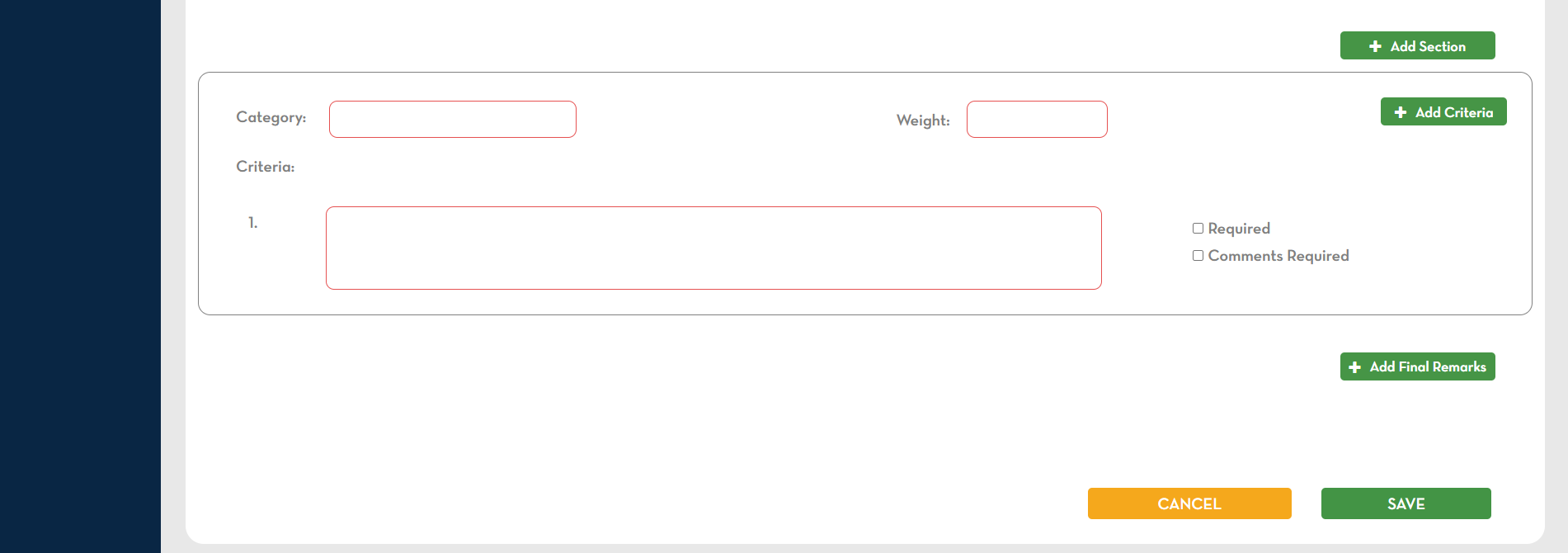
Highlighted in red indicates required. Enter all the needed information. Once completed, click SAVE.
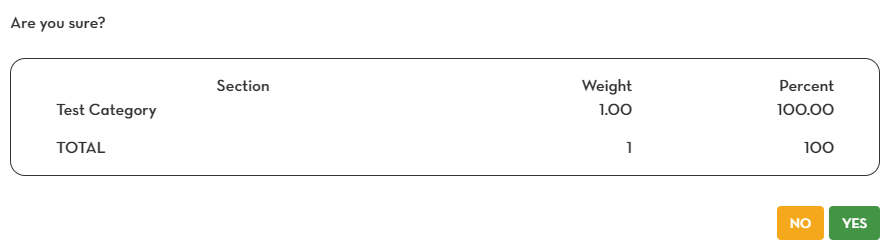
A pop-up confirmation will show the entered data. If correct, click YES.
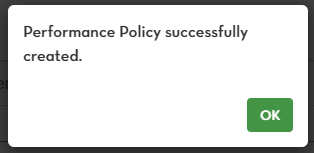
Another pop-up confirmation message will show that Performance Policy is successfully created. Click OK.
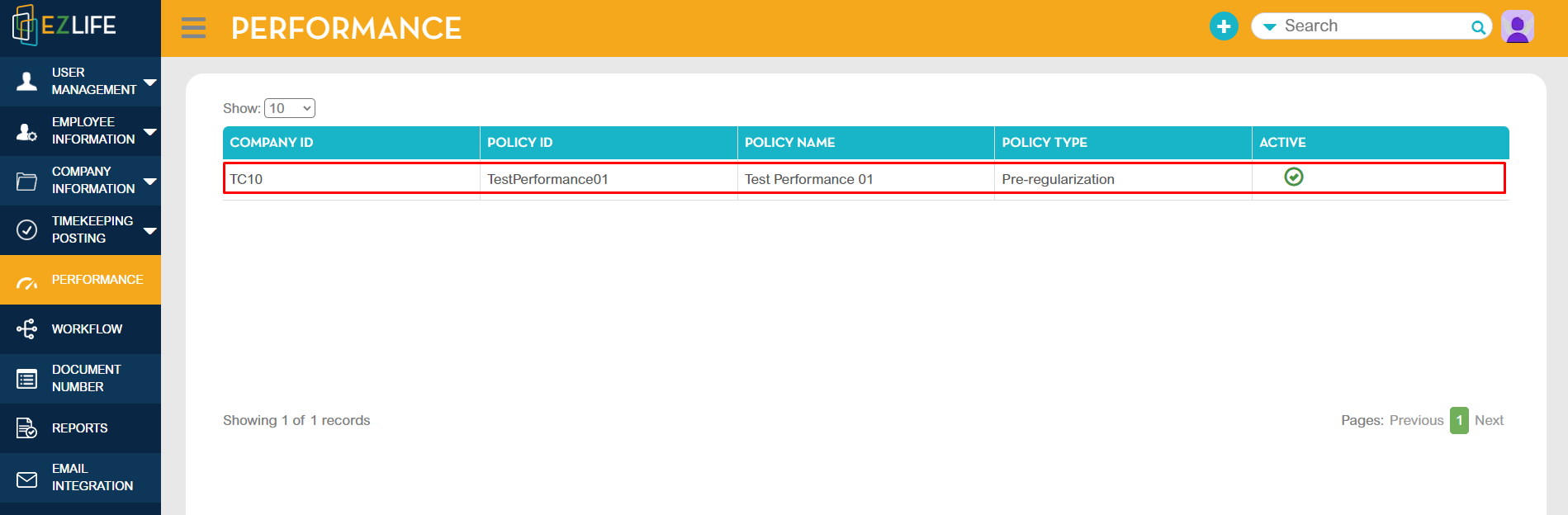
The created performance policy will show in the performance module.